Best Free Freelance Tools for Running Your Business
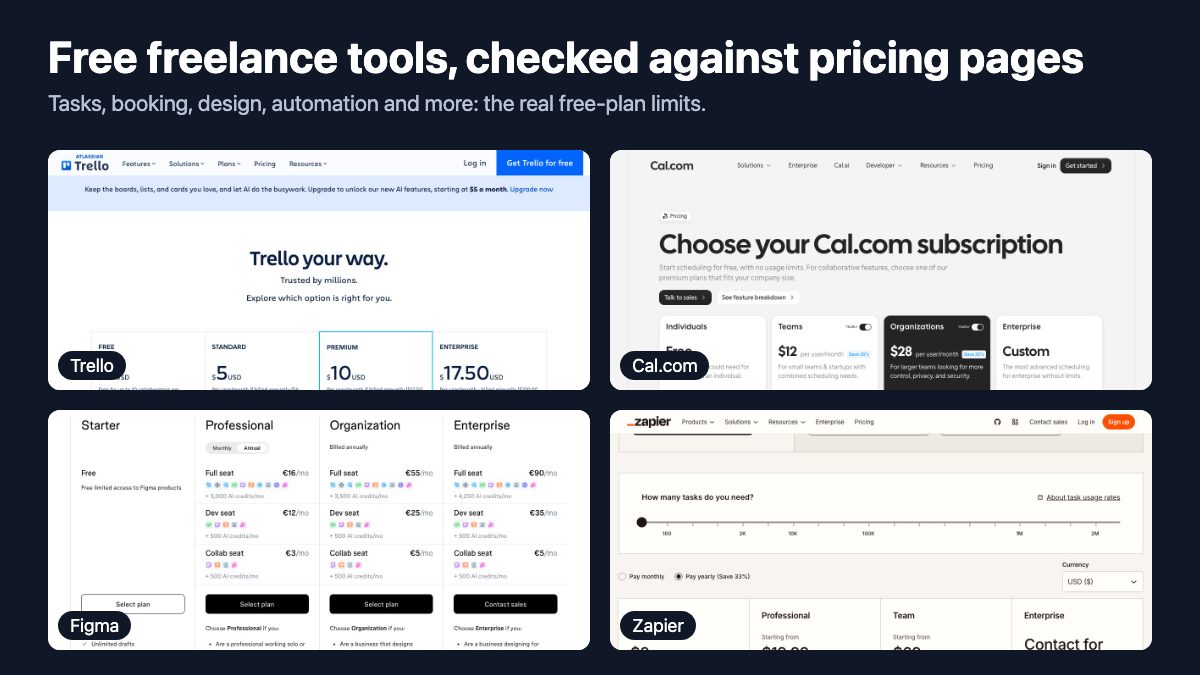
The best free freelance tools are the ones that cover the five jobs every solo business has: tracking time, managing tasks, getting booked, invoicing, and automating the repetitive parts. This list picks one strong option for each job, plus a place to keep your code. Every tool below has a free plan or a free trial, and every limit quoted comes from the vendor’s own pricing or help page.
Pricing checked on 30 October 2026.
Free plans change, so treat the numbers as a snapshot taken on that date and check the pricing page before you commit your workflow to a tool. Where a product is paid-only, we say so.
How to choose a free tool without regretting it later
A free plan is a trial with no end date, and the limit it enforces tells you who it is for. Before you adopt anything, check three things:
- The ceiling. Does it cap tasks, boards, users or file size? Pick a tool whose cap sits above what a one-person business needs this year.
- Export. Can you get your data out as CSV or a standard format? Invoices and time logs are records you may need years later.
- Payment fees. Free invoicing usually means the vendor earns money when your client pays by card. That is fine, but know the percentage.
Time tracking
Toggl Track
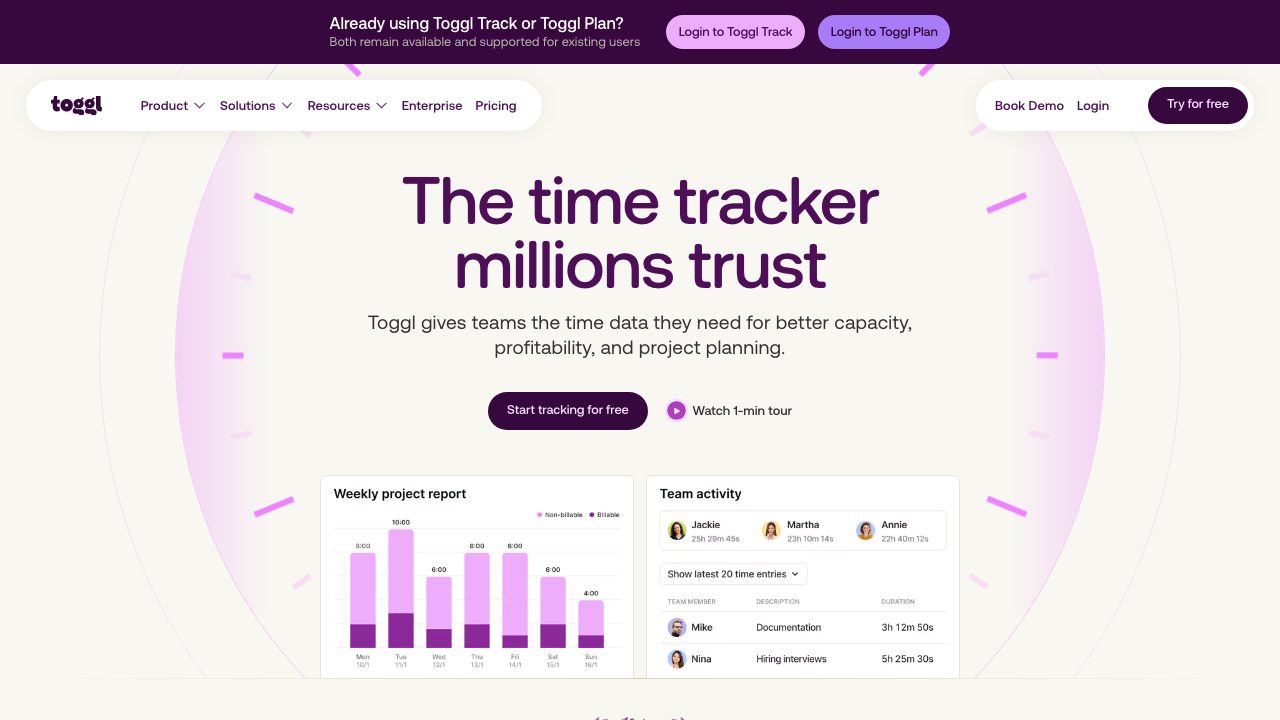
Toggl is still the simplest way to know where your hours go. Its free plan is listed as free forever, with manual entries, a live timer, a focus mode, Google and Outlook calendar integration and personal reports. Billable rates, tags and project-level estimates start on the paid Starter plan, so on the free tier you will export hours or note rates yourself. For most freelancers that is a fair trade.
Tasks and project management
Trello
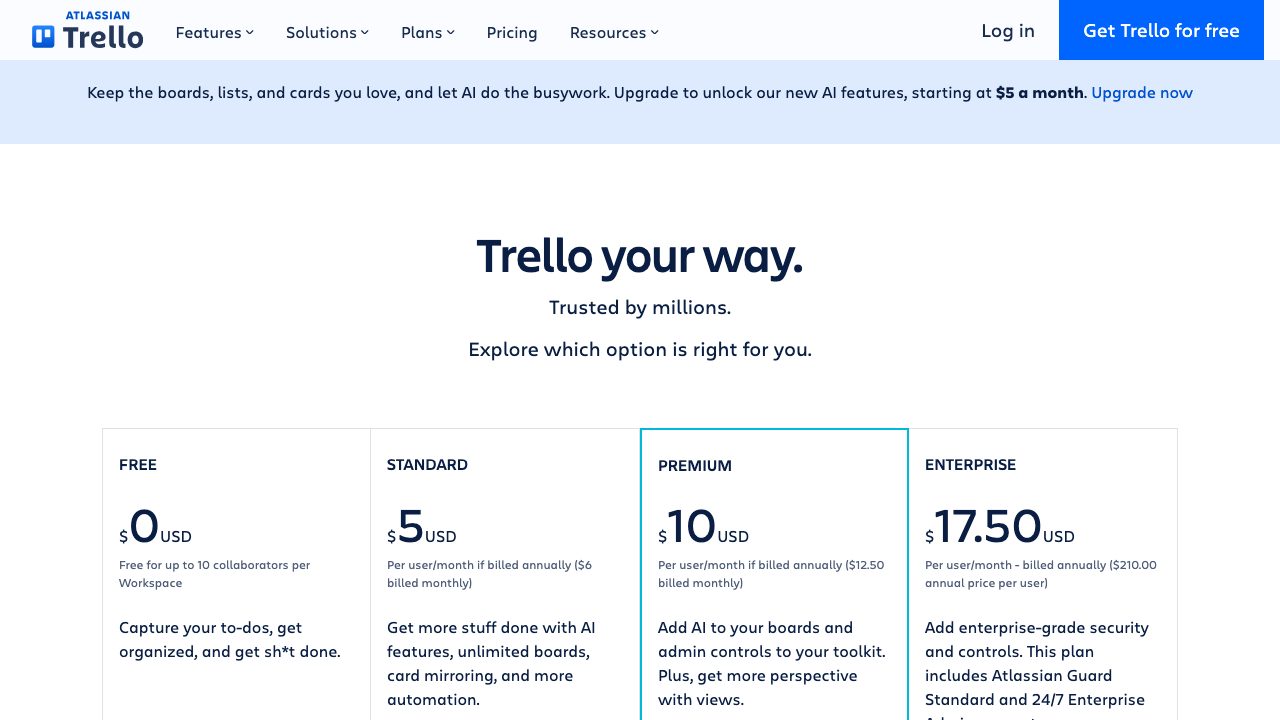
Trello kept the card-and-list board that made it popular. The free plan allows up to 10 collaborators and 10 boards per workspace, unlimited cards, and 250 automation command runs a month. That is enough for one board per client, with a column each for backlog, in progress and waiting on feedback. Calendar, timeline and table views are in the paid tiers.
Todoist
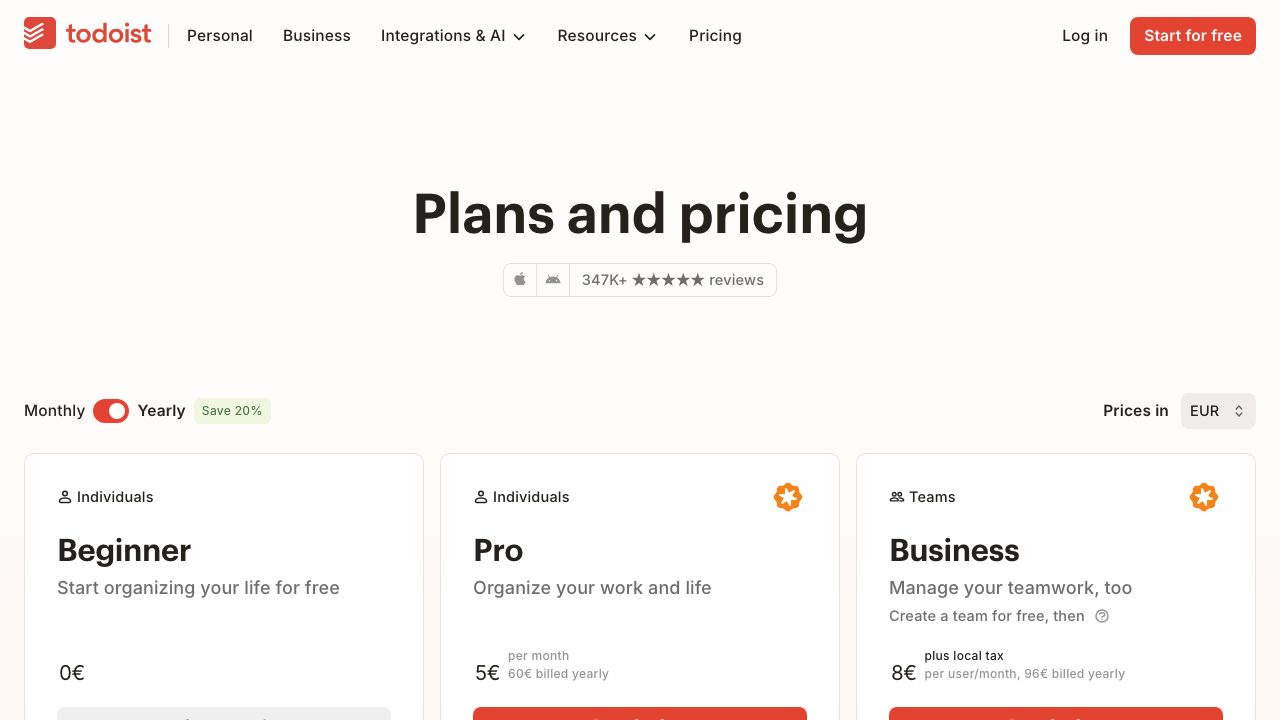
Boards suit projects; a to-do list suits your day. Todoist is the quick-capture option. The free Beginner plan includes five personal projects, due dates, priorities, sub-tasks, recurring tasks, labels, list and board layouts, and more than 90 integrations. It limits you to 5 MB uploads and three saved filters, and leaves out reminders you can customize.
Notion
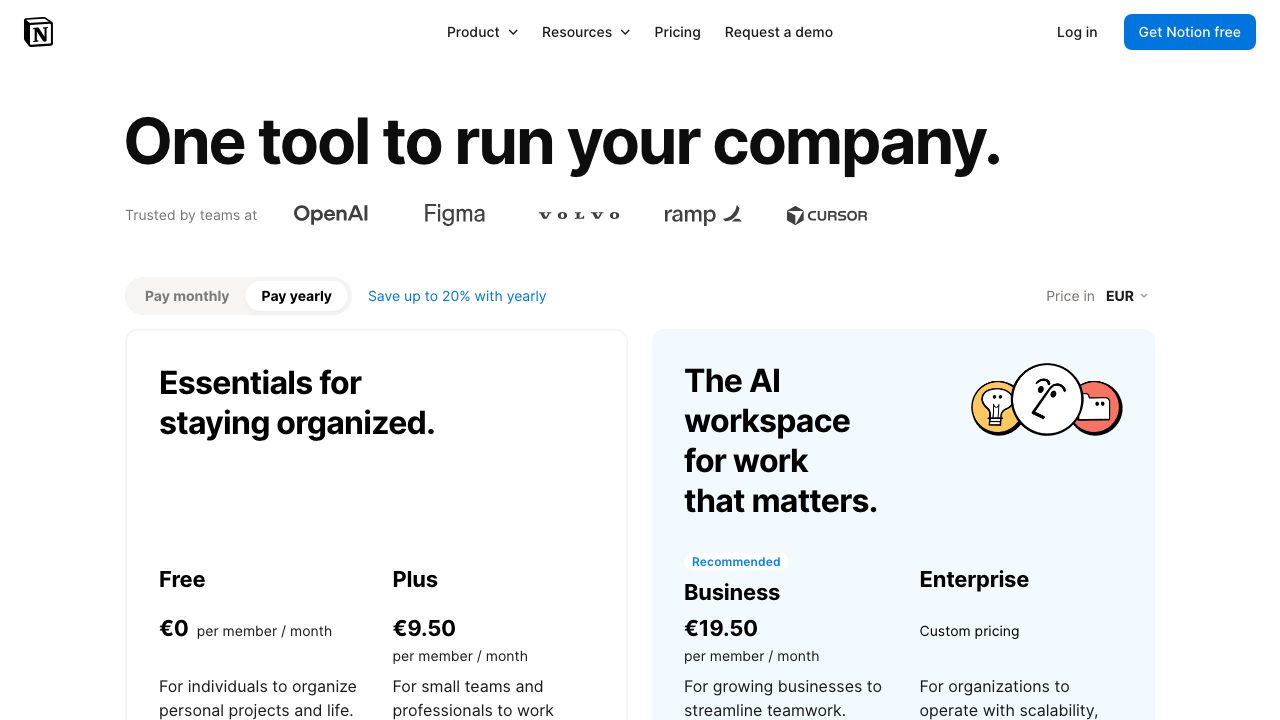
Notion works as a client wiki, a proposal template library and a lightweight CRM in one workspace. Solo users get unlimited pages and blocks on the free plan, with databases, basic forms, basic sites and seven days of page history. File uploads are capped at 5 MB, and once a free workspace has two or more members it gets a block limit. If you plan to bring in a collaborator, test that limit first. AI features are offered as a trial rather than included.
Scheduling and getting booked
Cal.com
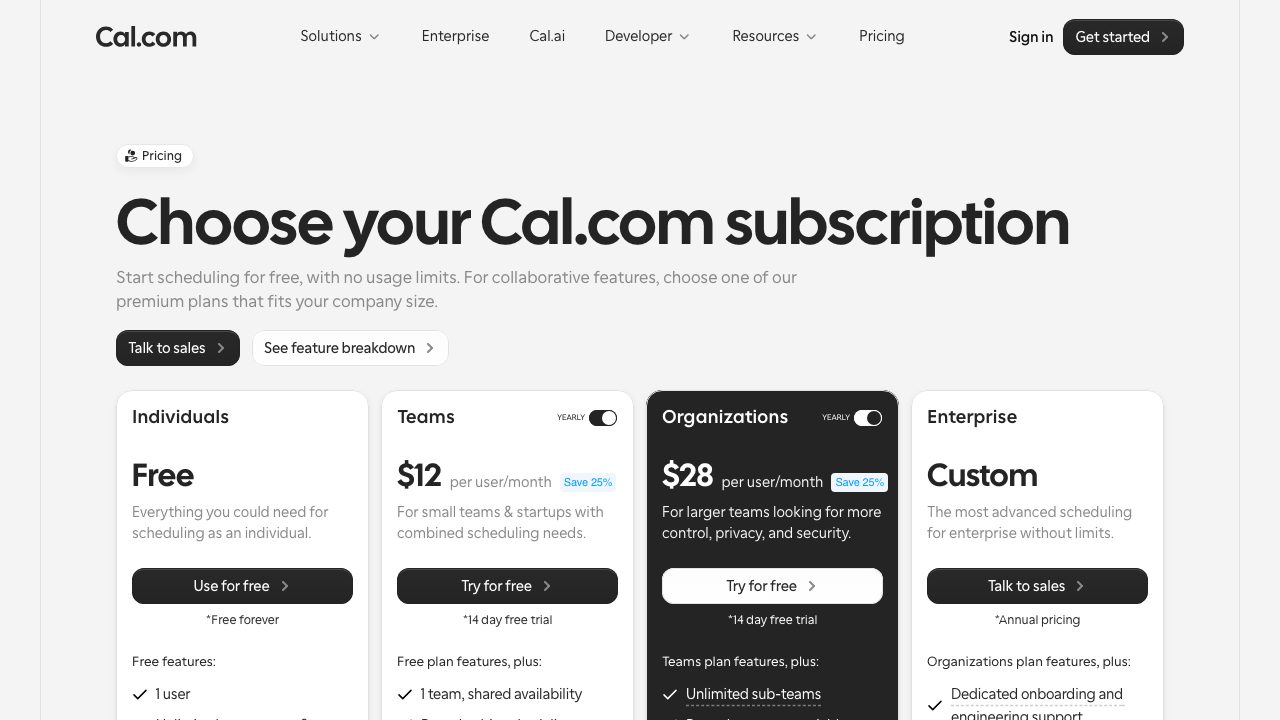
Back-and-forth emails to find a meeting time cost real hours. Cal.com gives individuals a free plan for one user with unlimited event types and calendars, email and SMS notifications, integrations with more than 100 apps, and the ability to accept Stripe and PayPal payments. Team features such as shared availability, round-robin scheduling and recurring events are on the paid Teams plan. Put your booking link in your email signature and on the contact page of your portfolio. If you are building that portfolio now, our look at single-page portfolio sites shows how little structure one needs.
Design and assets
Figma
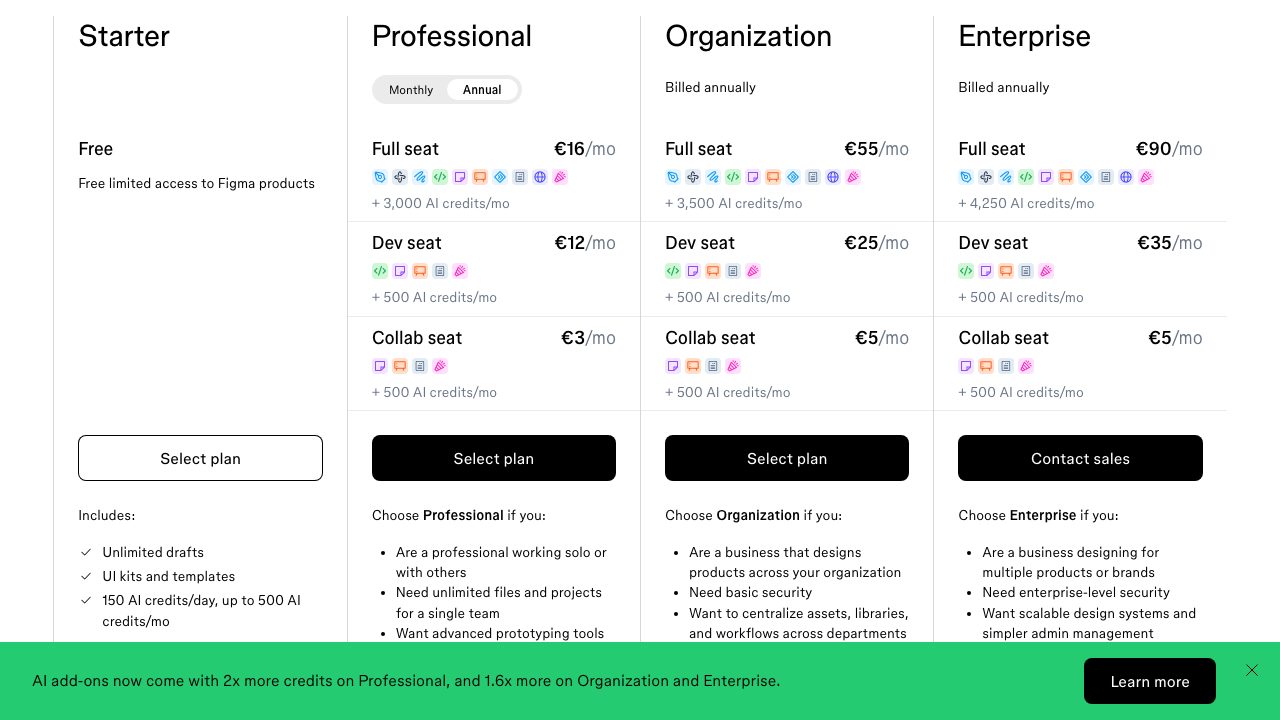
Figma is where most interface work starts. The free Starter plan is described as limited access to Figma products and includes unlimited drafts, UI kits and templates, and a daily AI credit allowance (up to 500 credits a month). Professional starts at 16 euros per full seat a month on annual billing, which is where team libraries and unlimited projects begin. Starter is plenty for a solo designer drafting client work.
Photopea
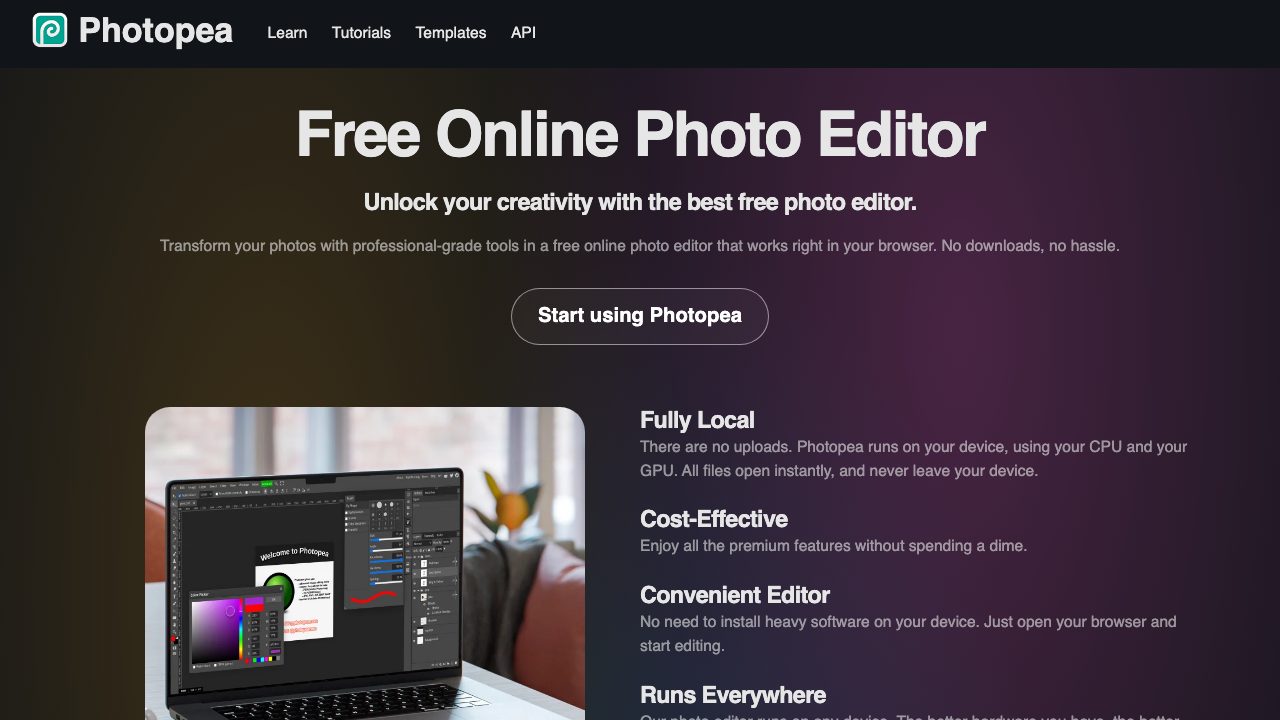
Photopea is a browser-based image editor that opens and saves PSD files and edits PNG, JPG, SVG, PDF, AI, AVIF, HEIC and many other formats. The site says it runs on your own device and that files never leave it, which helps when a client sends an unexpected PSD and you do not own Photoshop. It is a free editor with no sign-up, so it suits quick fixes more than a full design workflow.
Invoicing and contracts
Wave
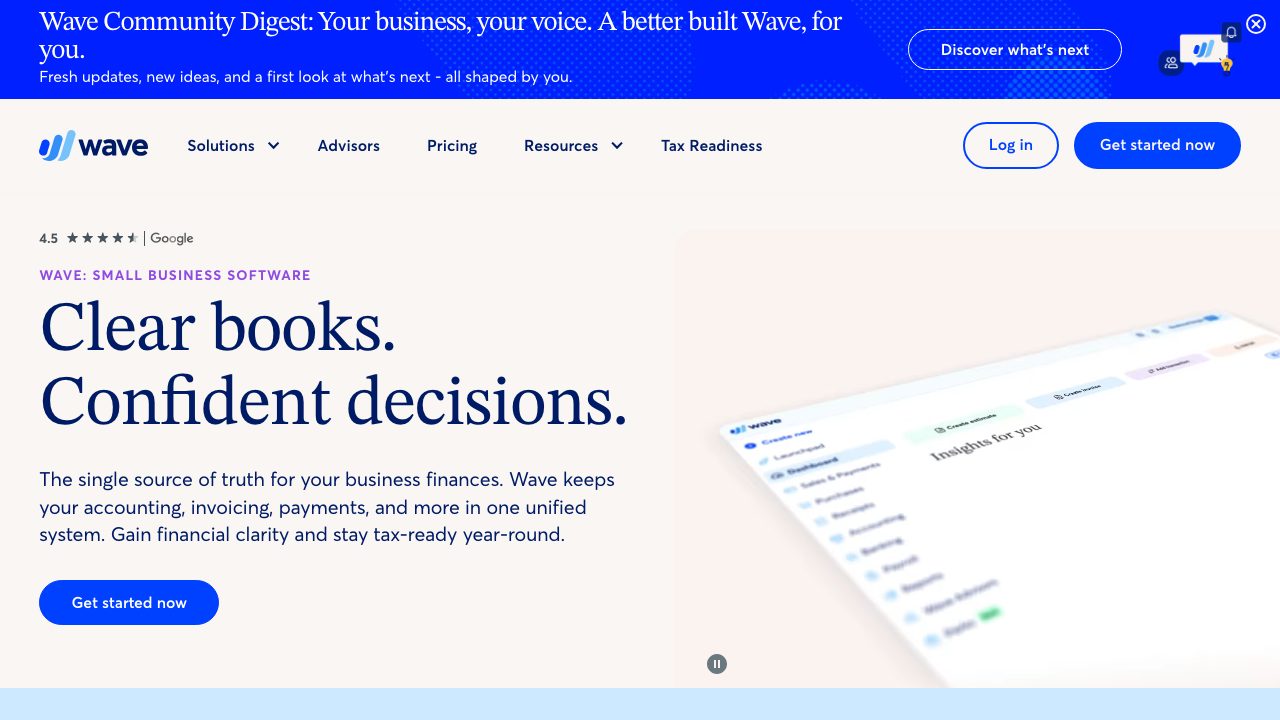
Wave has a free Starter plan that includes unlimited estimates, invoices, bills and bookkeeping records. The cost shows up in payments: card processing is 2.9% plus $0.60 per transaction on Starter, and online payments need identity and credit approval. A paid Pro plan exists at $19 a month, with a lower card fee on the first ten transactions each month. Wave suits a freelancer who wants real bookkeeping without paying for accounting software.
Bonsai
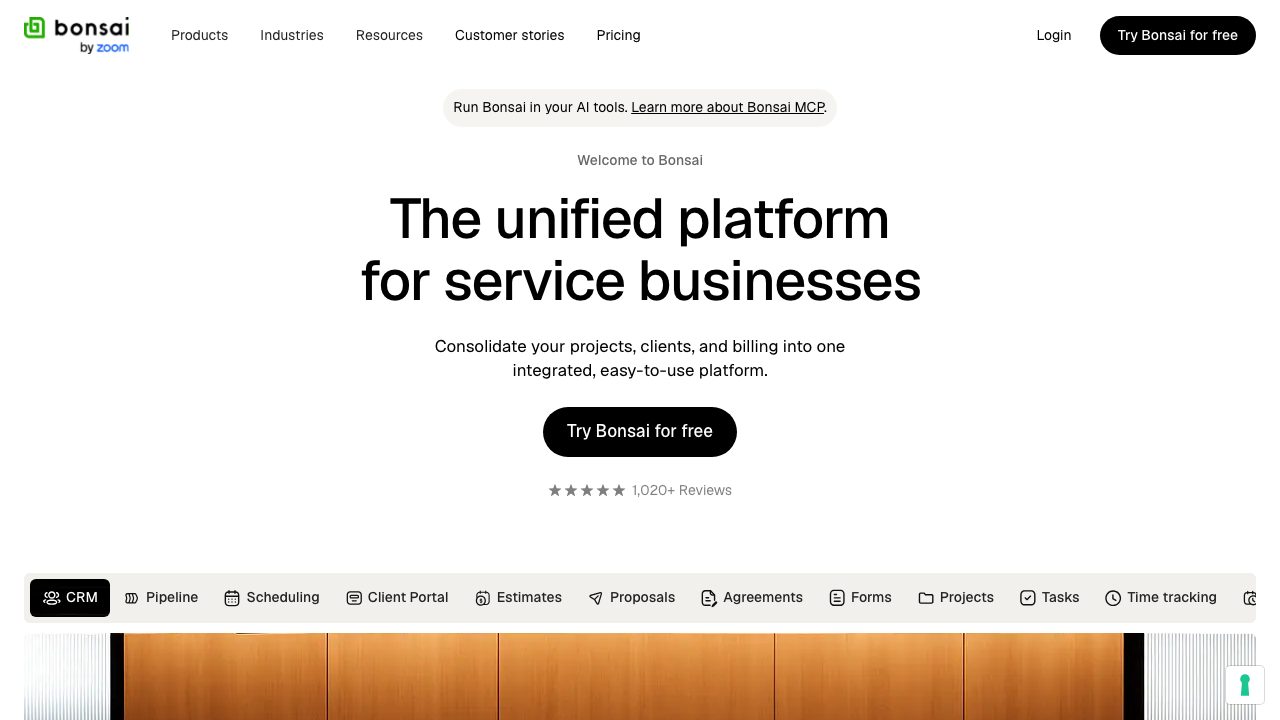
This is the one paid entry. Bonsai offers a 7-day free trial rather than a free plan, then paid tiers from $9 a month per user billed annually ($15 billed monthly). In return you get one place for proposals, contracts, forms, time tracking, tasks and invoices, which suits freelancers who sell projects rather than hours. Our earlier list called Bonsai free; that is no longer true, so we flag it here.
Dropbox Sign
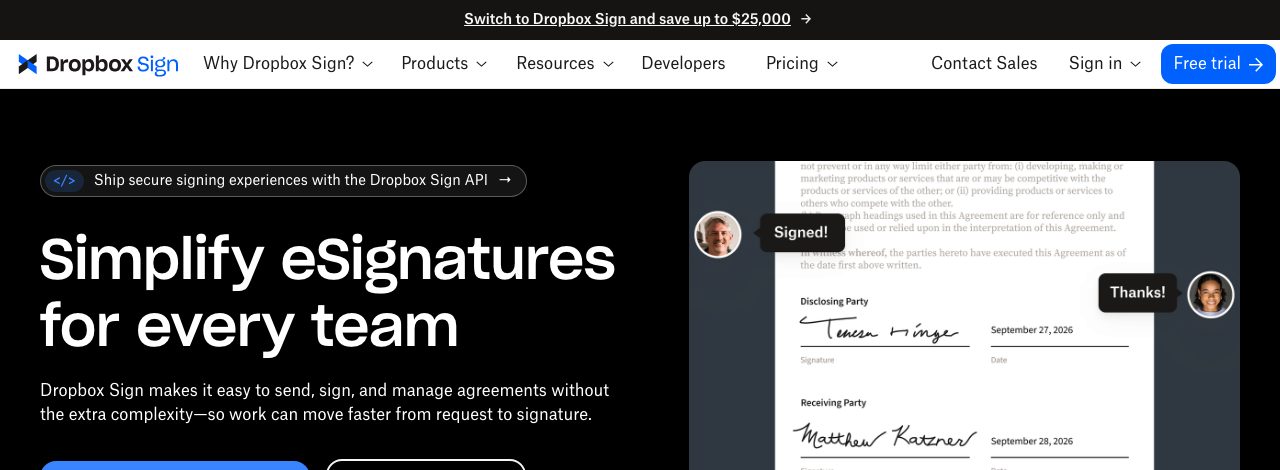
If you only need a client to sign an agreement, a free e-signature tool is enough. Dropbox Sign’s help page says its free plan lets you send 3 signature requests a month, resetting every 30 days from sign-up, with unlimited self-signing that does not count against them. Bring your own contract text, and have a lawyer review it before you reuse it with clients.
Do it yourself
If you only send a few invoices a month, a plain HTML invoice you can print to PDF is enough. Start from our Bootstrap 5 invoice template with print button, or use the version with print and pay buttons if you want a payment link on the page.
Automation
Zapier
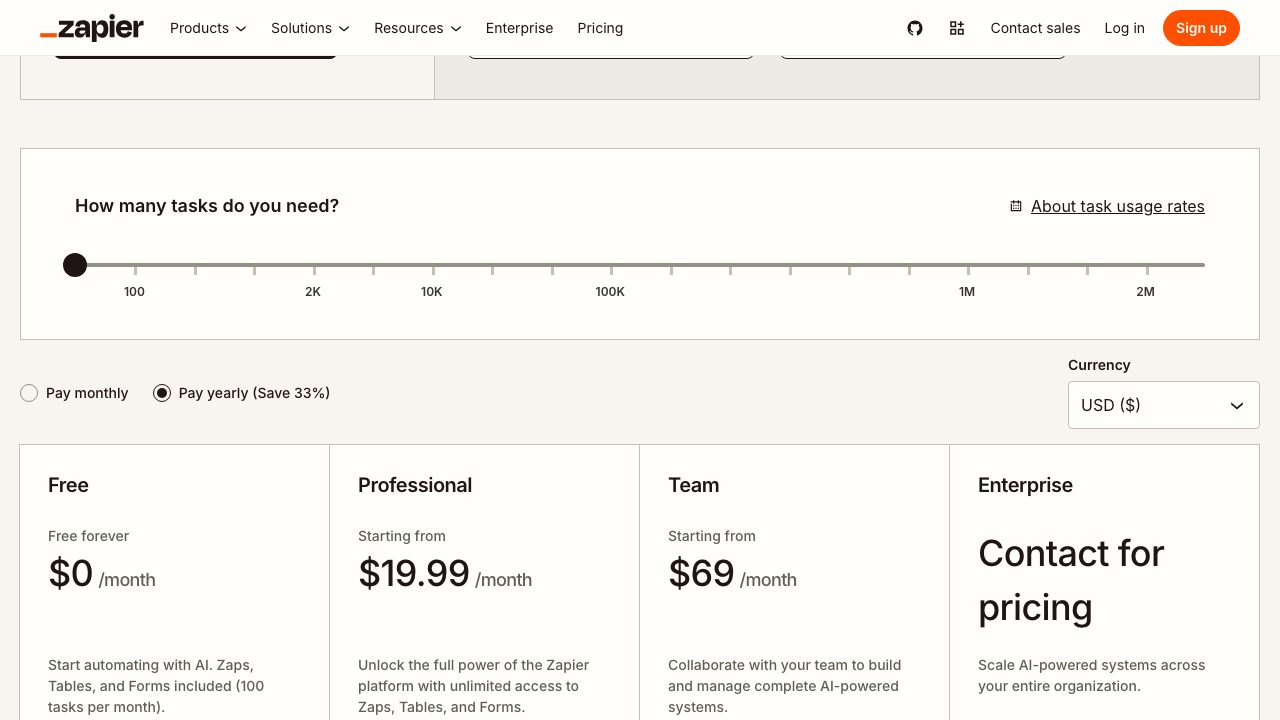
Zapier connects the tools above so they stop needing you. The free plan allows 100 tasks a month and unlimited Zaps, but only two-step Zaps, meaning one trigger and one action. That covers the high-value basics: when a Cal.com booking arrives, create a Trello card; when a form is submitted, add a row to a sheet. Multi-step Zaps require a paid plan. Triggers and built-in data tools such as Formatter and Filter do not count toward the task limit, though some actions use more than one task.
Code and portfolio
GitHub
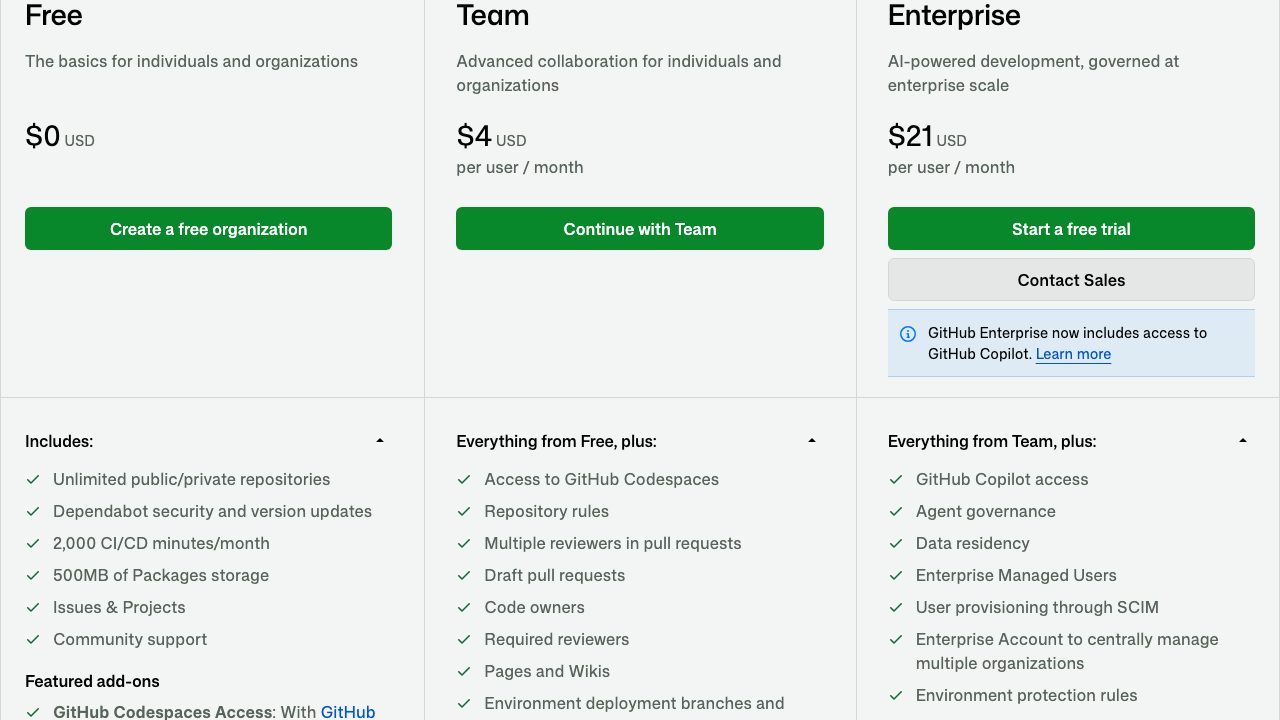
For developers and designers who code, GitHub remains the default home for client work and a public portfolio. The free plan includes unlimited private repositories with unlimited collaborators, 2,000 CI/CD minutes a month (the pricing page marks Actions as free for public repositories), and 500 MB of Packages storage. GitHub Copilot has a separate free tier of up to 2,000 completions a month; it is listed as an add-on, not as part of the Free plan. Pages and wikis are limited to public repositories on the free plan, so a private client repo cannot publish a Pages site without upgrading.
A small stack that works
| Job | Tool | Free-plan limit that matters |
|---|---|---|
| Time | Toggl Track | No billable rates or tags |
| Tasks | Trello or Todoist | 10 boards, or 5 projects |
| Notes and docs | Notion | 5 MB per file |
| Booking | Cal.com | Team features (round-robin, recurring events) are paid |
| Invoices | Wave | 2.9% + $0.60 per card payment |
| Automation | Zapier | 100 tasks, two-step Zaps |
| Design | Figma Starter | Limited access; paid seats for team libraries |
| Contracts | Dropbox Sign | 3 signature requests a month |
| Code | GitHub | Pages on public repos only |
Start with two tools, not seven. A time tracker and an invoicing tool pay for themselves first. Add the rest only when a specific chore annoys you. If you also need to send a sign-up or intake form to new clients, our sign-up form with password strength is a ready starting point for a simple client portal.
What happened to the old picks
The earlier version of this list recommended several products that no longer fit. Wunderlist was retired by Microsoft in favor of Microsoft To Do, so Todoist and Trello now cover that job here. Bonsai was once free and is now paid, as noted above. Evernote, which the original recommended for notes and web clipping, still exists, but its free plan is capped at 50 notes, one notebook, one device and 1 GB of storage, so we point to Notion for notes instead. We dropped tools we could not confirm are still active. Trello, Toggl, Zapier and GitHub stayed because they are still current and still have a free tier.
MyOws is truly awesome, I hope it helps you!
Great list! I’ve had experience with a couple of these but will definitely be giving others a go. Definetly going to give Toggl a go as we’re using a differnt app for time tracking at the moment!
Thanks! I’ll check some of these out.
Also I’d add a useful tool for freelancers – Deskun (that’s a Google Chrome extension for Gmail). I use it mostly to communicate with contractors via Gmail. My favorite feature in snooze, you might have heard of it, it rebumps an important email to your mailbox so you won’t forget about it.
The company I work for uses Slack. I honestly don’t understand what the big deal is. It’s a chat app. Just like any other chat app. Every other chat app I’ve used can share images and make groups. Why is this any different. It just seems like certain trends catch on for some reason. Like Flappy Bird.
I think the appeal is that it is free, it is well-designed, and has good integration support which other chat apps don’t have. It beats chatting through project management apps or email – the main draw is for remote teams that need to feel connected. Skype, by comparison, is just an instant messenger, it has no team support, no integrations, no snippets, pinning or other micro-features teams love about #slack.