Vector Illustration Styles and Where to Use Them
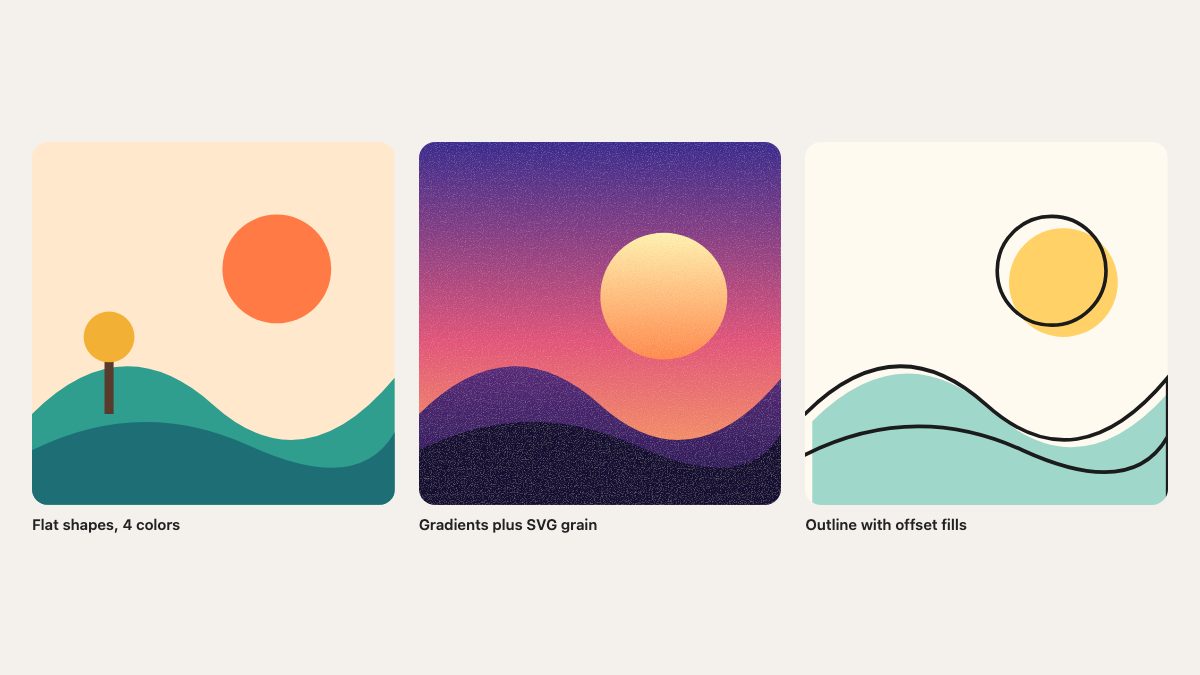
Vector illustration in 2027 is not one style but four that designers mix freely: flat character systems, grainy gradients, outline-and-offset line art, and 3D-rendered icons, with AI generators now able to output editable SVG. This guide shows what each style looks like, where it works on real sites, and which free libraries let you try it today.
The original version of this article, from 2007, collected sites where a single illustration gave a blog or product its personality. That idea held up: illustration is still the cheapest way to give a brand a face. What changed is the toolset (SVG in the browser, Figma, open libraries) and the look.
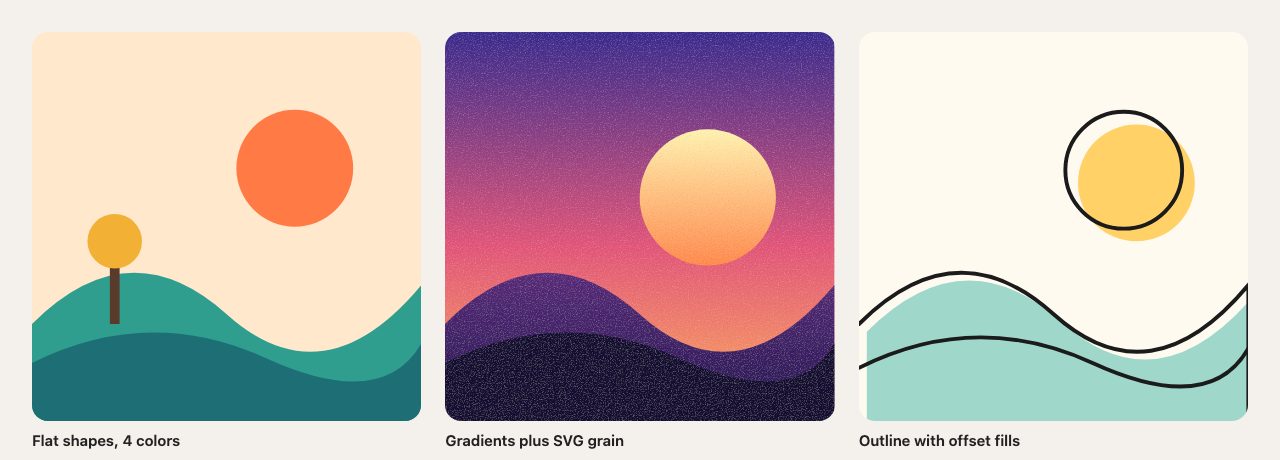
The four styles to know
| Style | Look | Works best for |
|---|---|---|
| Flat character systems | Simple shapes, a small palette, expressive figures | Product sites, onboarding, empty states |
| Grainy gradients | Smooth color blends with visible noise | Hero backgrounds, posters, launch pages |
| Outline plus offset fill | Hand-drawn line with color shifted off the edge | Editorial, personal sites, friendly brands |
| 3D-rendered icons | Soft lighting, rounded forms | Feature grids, app UIs |
Flat character systems
Flat illustration has not gone away; it matured into systems. Instead of one-off drawings, brands build a cast of characters and a limited palette so any page can be illustrated consistently.
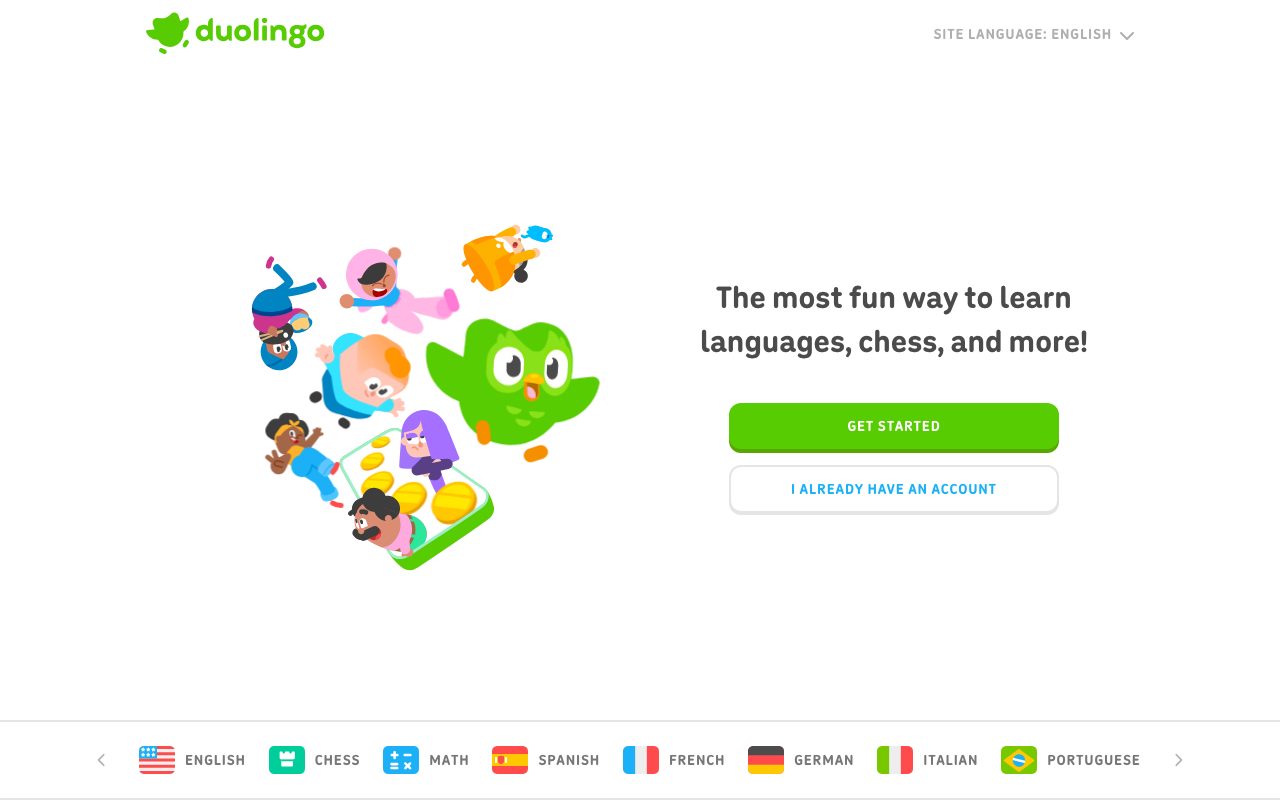
Duolingo
Duolingo is the clearest example. Its landing page pairs the green owl with a group of characters drawn in one consistent style, and the same cast carries over into the product. The characters have personality, which is why they work as a brand and not as decoration.
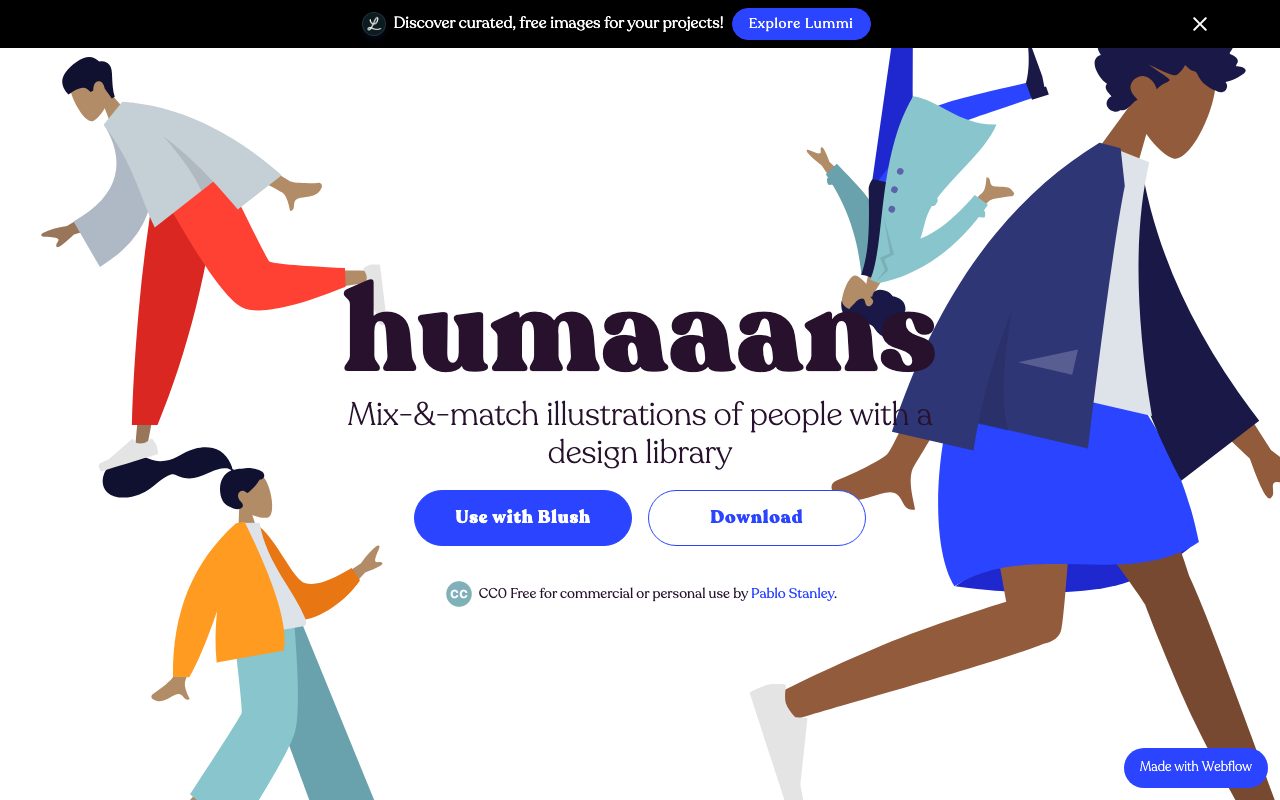
Humaaans
Humaaans by Pablo Stanley is a mix-and-match library of people illustrations. Its page states it is CC0 and free for commercial or personal use. It is also a useful lesson in the style: oversized limbs and flat color blocks give figures movement with very little detail.
Outline and offset fill
Open Peeps
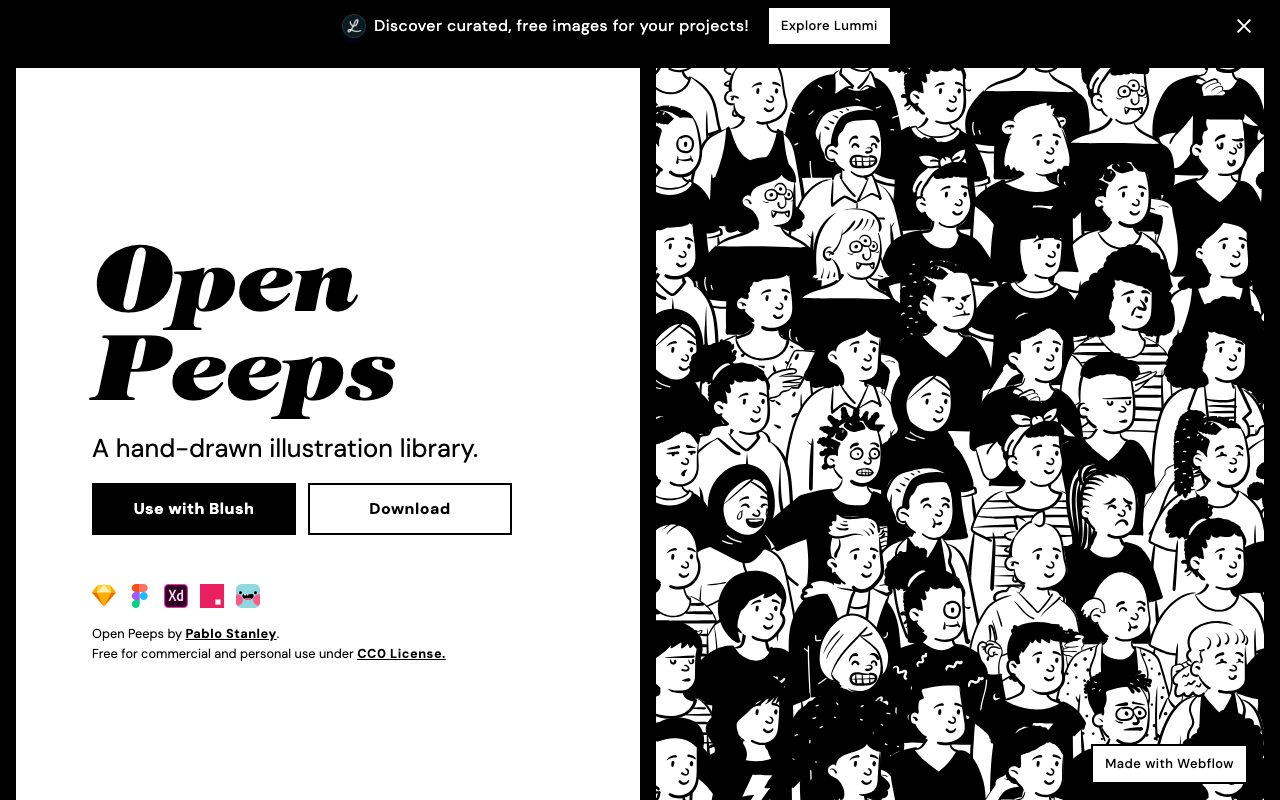
Also by Pablo Stanley, Open Peeps is a hand-drawn black-line library, listed as CC0 on its site, with versions for Figma and other design tools. The line-only look is the easiest style to keep consistent across a site, since color is a separate decision. Try offsetting a flat fill a few pixels from the outline, as in the third drawing above, to get the same feel.
Free libraries you can customize
unDraw
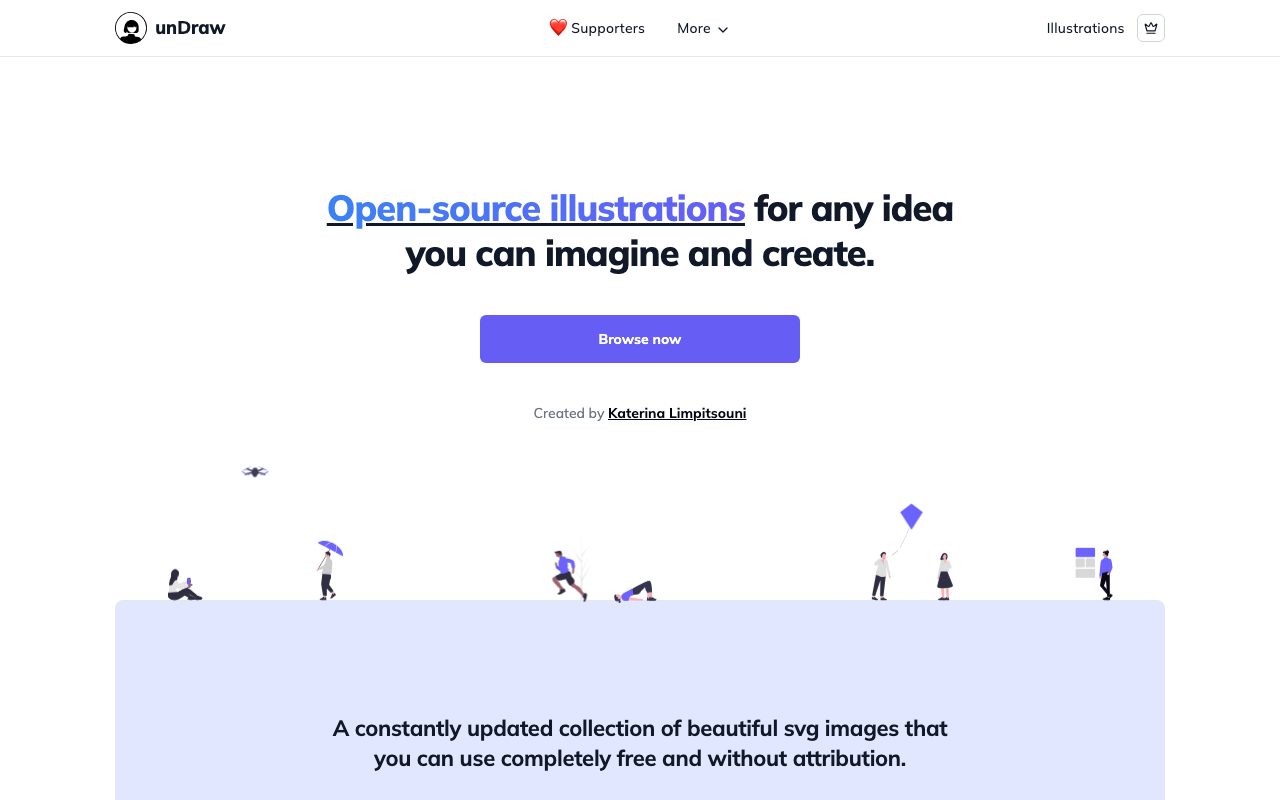
unDraw offers open-source SVG illustrations, and you can set the accent color to your brand before downloading. Its license page allows free personal and commercial use with no attribution, but forbids redistributing the files as packs, embedding or linking them without consent, and using them for AI training. Read it before building a product around it.
Blush
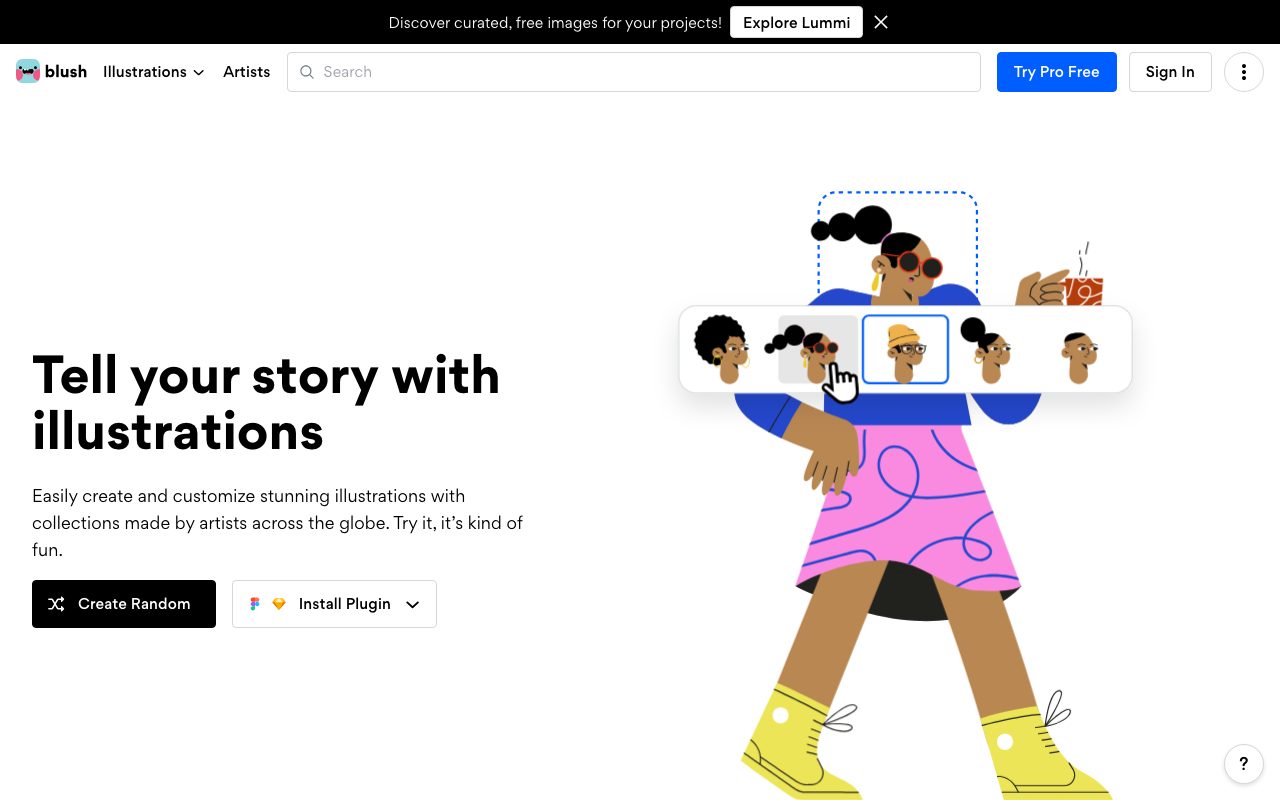
Blush collects illustration packs from artists around the world and lets you swap pieces, such as hair, clothing and poses, in the browser. It has plugins for Figma and Sketch. It has a free tier and a Pro plan, so check the license of each collection you use.
Storyset
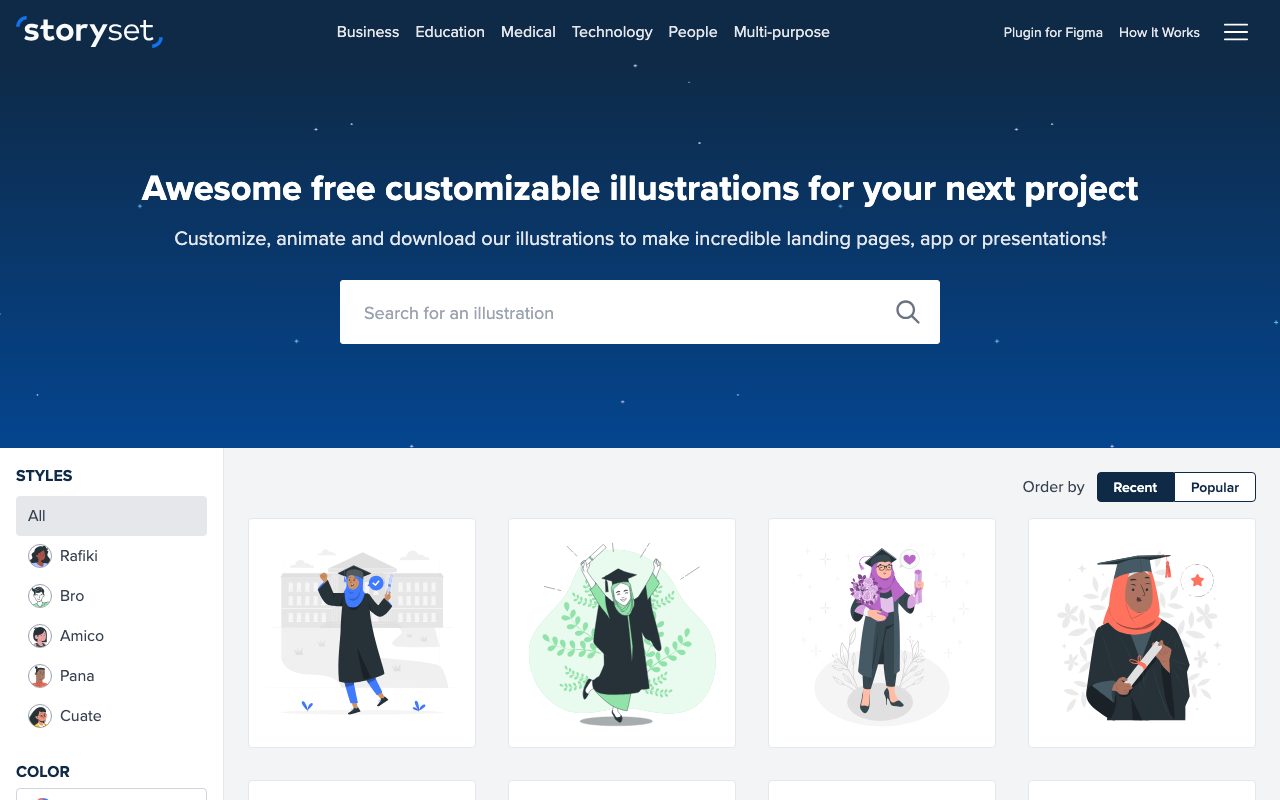
Storyset lets you customize colors, animate and download scene illustrations in several styles. Its terms require credit to Storyset on free downloads unless you hold a Flaticon Premium subscription, so plan for the attribution line.
3D icons
3dicons
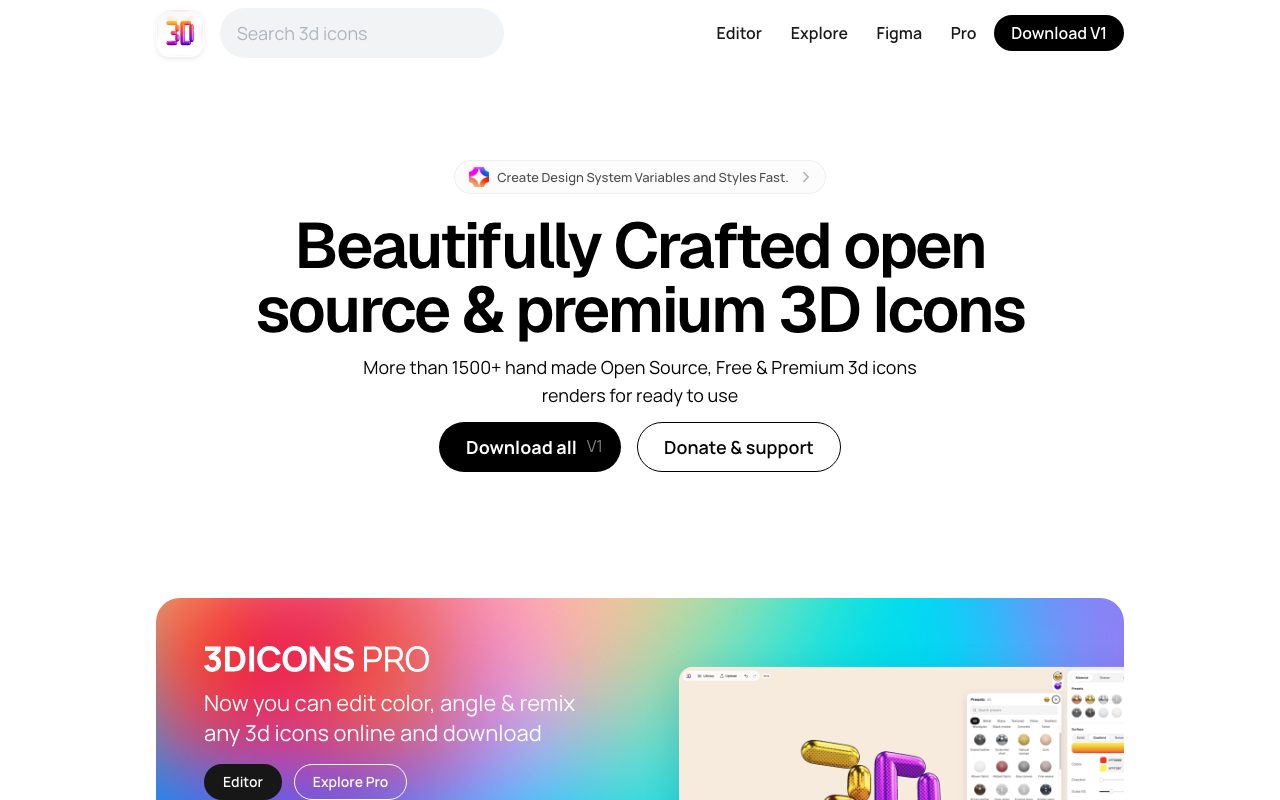
Not strictly vector, but 3D-rendered icons now sit beside flat illustration in the same layouts. 3dicons publishes a large library of 3D icon renders, and its page says the current free version is under CC0. The renders ship as images, so you lose the SVG advantages below. Use them at fixed sizes and serve AVIF or WebP.
Grainy gradients in plain SVG
Smooth gradients can look sterile and band on some screens. A little noise fixes both, and you can do it inside the SVG with a filter, no image editor required. This is the middle drawing in the first figure.
- Draw the shapes and fill them with
linearGradients. - Generate noise with
feTurbulenceand desaturate it so the grain is neutral. - Reduce its opacity with
feComponentTransfer. - Blend it over the artwork with
feBlend mode="overlay". - Apply the filter to a group that wraps everything.
<svg viewBox="0 0 400 400" role="img" aria-label="Sun over hills at dusk">
  <defs>
    <linearGradient id="sky" x1="0" y1="0" x2="0" y2="1">
      <stop offset="0" stop-color="#3b2a8f"/>
      <stop offset=".55" stop-color="#e2557a"/>
      <stop offset="1" stop-color="#ffb35c"/>
    </linearGradient>
    <filter id="grain" x="0" y="0" width="100%" height="100%">
      <feTurbulence type="fractalNoise" baseFrequency=".8"
                    numOctaves="3" stitchTiles="stitch" result="n"/>
      <feColorMatrix in="n" type="saturate" values="0" result="g"/>
      <feComponentTransfer in="g" result="a">
        <feFuncA type="table" tableValues="0 .35"/>
      </feComponentTransfer>
      <feBlend in="SourceGraphic" in2="a" mode="overlay"/>
    </filter>
  </defs>
  <g filter="url(#grain)">
    <rect width="400" height="400" fill="url(#sky)"/>
    <!-- sun and hills here -->
  </g>
</svg>
Two cautions. Filters are rasterized at render time, so a large grained SVG costs more to paint than a flat one; keep it to hero-sized artwork. And exporting this SVG to some design tools may flatten or drop the filter, so keep the SVG as the source of truth.
To go deeper into SVG on the web, see our older walk-through, Playing with SVG Design.
AI-assisted vector illustration
Generators can now produce editable vector output, not only pixels. Adobe describes Illustrator’s Text to Vector Graphic as producing fully editable, scalable artwork on its own layer, with Scene, Subject and Icon output types. Recraft’s pages describe SVG output from text prompts, with paths and fills that open as native vector layers in Figma. Treat the output as a rough first draft: expect to clean up paths, merge shapes and fix the palette before it joins a consistent system. Check each tool’s current license and plan terms before commercial use, since they change.
Choosing a style
- Need a cast of characters across many pages? Use a flat system and restrict yourself to 4 to 6 colors.
- Need atmosphere on one hero? Use a grainy gradient.
- Want to look hand-made? Use outline plus offset fill.
- Need icons in a feature grid? Use 3D renders or simple flat icons, but not both.
Using vector illustration on the web
- Inline small SVGs when you want to recolor them with CSS custom properties, for example
fill: var(--accent). - Use
<img>for large, static artwork so it caches and does not bloat the HTML. - Write alt text for meaningful illustrations and an empty
alt=""for decorative ones. For inline SVG, userole="img"witharia-label, as in the code above. - Respect
prefers-reduced-motionif you animate the artwork. - Check dark mode. Pale backgrounds baked into an SVG will glow on a dark page; use transparent backgrounds and variables.
If you draw your own, the process still matters more than the tool. Our vector polishing techniques tutorial covers cleaning up paths, and it applies to AI-generated vectors too. For gradients in UI, see CSS3 Gradient Buttons, an old tutorial worth reading for the idea rather than the code.
Talented people always make nice³ works with Illustrator.
Thanks for share this ;)
Yeap, even simple vector illustration gives so much “vitality” to the design but also “closes the door” – there are not many web developers who can bring that stuff to their sites, because they are “workers”, not artist. However, that’s good, because vector art still will be that unique.
Vector arts are definitely popular. I like the expression they can hold and you can always tell the mood of website when you see the vector images. I need to learn how to create vector images. Great thread but you left out E-Surance which their whole campaign is ran on vector images.
Hi Nick, thanks for mentioning globalzoo.de. I”m honored! Love your blog and all your other projects. Keep up the good work! Greetz from Germany
That is a nice collection of sites with outstanding illustrations. Not only vector based illustrations, but all kinds of drawings are popping out around the internet. And quite a few illustrators have been around for some time now…
I think it’s important not to get too caught up in calling these out as ‘vector’ graphics. It’s less about the method that these were created with than the style, color and detail. Raster vs. vector doesn’t matter as much as good vs bad, this is a great set of good designs.
I really like the “Realistic” ones, but the other cartoony characters look retarded. I can’t stand those Freelance switch neckless little shits. I’ve had to Block those images Opera just so i can visit the site. Bleh.
Vector art just looks a lot better. It’s pretty difficult to do for facial images or characters.
I find that Vector Art is one of the best ways and forms of advertising. 1 you get what you want, 2, it’s clear, vibrant. The mood it sets is one-of-a-kind. Good capture on vector!
Cheers!
Very good examples of what we can do with simple illustrations on Web…
I actually think microstock sites such as istock are playing a big part in making vectors available to designers. Before illustrations were either expensive stock illustrations or cheesy clipart and not much in the middle. Outlets like istock make it possible for designers to find, licence and use high quality, up to date vector illustrations. About 1/3 of the designs posted here feature illustrators on istock.
Good guide … agree with comment above re istock … know of several “designers” who can cut and paste vectors from stock with the best of em :)
A very good selection of sites. Like that you mentioned Veerle first – she must’ve been one of the first designers to use this style.
A qyestion: How do you make your images grow larger, on mouse over?
This is a great collection of sites. I am planning on using illustration in my upcoming redesign. When I took history of graphic design in college we studied about how much easier it is for people to relate to an illustrated person than a photograph. There is a natural tendency to look at a photo and think “I am not that skinny/tall,etc” but with an illustration of a person its easier to relate rather than compare.
I particularly like the jek2k design – simple, clean but striking!
It’s not totally vector, but I’d really like to add my partner’s illustration that he did for our site: intuitivedesigns.net. I really like what he did for the site and it always amazes me what he can come up with.
Hi,
yes, vectors are very popular. And if you are an illustrator you can make quite some money on the big stockphoto and -image sites. I have written an article with some information on getting your vectors and photos listed on istockphoto.com
Check out my blog for details.
Sven
WOW! This is a very nice collection of vector illustrated headers on websites. You have done a very nice work of bringing them on one platform for all of us to see.
I use vector illustrations on my site as well!
http://www.youthedesigner.com
hi :)
great collection of links and very inspirational ;) THANKS :)
though I was hoping to find some along the line of your wonderful ornate background graphics as well as all those nice character illustrations…
(just to throw in mine as well: https://www.graphiceyedea.info/)
This looks dated through my UK based eyes – it’s not a trend that’s happening here right now… maybe 4/5 years ago.
just simply like your web style!it is so special!….hehe……
i am a chinese girl and want to be a fashion designer..so i searched it on the internet..and then ..your web site is recommended by GOOGLE..i watched from ndesigner-studion to your new opened “wall”…..
nobody will miss suh a fascinating and modern-minded web!
i hope you will go on !
喜欢这个地方的花纹
爱这里一见如故的感觉
Check out NoDoubt.com too, ‘vector’ illustration with flash :)
I have been drawing vector illustrations for years but I have only just noticed that their popularity was on the rise. I think this is a great thing because there is a lot of really great illustrators out there producing beautiful work that we all should see!
Great post.
@dan: this looks dated? 4/5 years ago!? Are you Rip Van Winkle or what? 5 years ago everything was made in tables and animated GIFs. No one has any idea what you’re talking about.
Great work by them and the great collection as well.
very nice collection and having too much artistic work
but i think it is not easy job too much professional work
Vector illustration is merely a tool for creating an image and I think to label it as a “trend” is foolish. The examples are certainly in a very particular style but that style doesn’t necessarily mean that they had to be vectored at all. They could have been drawn, scanned whatever.
My point is, that with the presented examples here, you are not pointing out a trend of vector usage, more a trend of cartoon style illustration, that happens to have been created in vector form because many styles can be achieved through using vector tools.
Vector is not a trend, cartoon graphics is the trend.
Great staff, this is exactly the information I was looking for. Keep the great work up!!
Thanks
personal site that has some of the same trends. LucienFrelin.com
Right!
Now latest trend moves to vector graphics, me too using flash based vector graphics for all of my web 2.0 projects.
Funny thing is…I notice free-hand illustration being the “in thing” now. I betcha they’ll be a post on WDW in the future about the top free-hand illustrated sites.
This is interesting, I’ve been a vector artist for a long time.
The amount you see in web-design is much different from what a vector artist would consider to be true vector art.
I enjoy it none the less.
wordpress altyapısıyla kurulmuş güzel bir site, grafiklerde süper.
I just blew out an old site, and reconfigured it with a vector graphic, to give it a fresh new feel. After seeing these, I need to go back to the drawing board!
This is interesting, I’ve been a vector artist for a long time.
The amount you see in web-design is much different from what a vector artist would consider to be true vector art.
I enjoy it none the less.
Wow! I love your collections! But I love your layout more.hehe How I wish I could design web templates like you.hehe color-combination is my problem -_-
Nice! ^_^
Thanks Thanks What’s the problem here? Google could bury the meager profit number from even the biggest media conglomerates.
Thanks Thanks What’s the problem here? Google could bury the meager profit number from even the biggest media conglomerates.
Does anyone know of a good list of illustrators they recommend?
Interested in Web Site Information–Please call
903-571-8916
When you do article marketing, your intention is to increase the number of visitors to your website. It is not our abilities that show what we truly are, it is our choices. I have look for such a article for a long time, thanks a lot.
white iphone 4 is so charming and chic. As the icon of latest fashion, how can you miss it!
Looking for the latest white iphone 4 Conversion Kit? I am just looking for a web to satisfy all my need. Come and take it home!
i like the freelance switch design, very funny, but have deep meaning on those cartoons.
When you do article marketing, your intention is to increase the number of visitors to your website.
When you do article marketing, your intention is to increase the number of visitors to your website. It is not our abilities that show what we truly are, it is our choices. I have look for such a article for a long time, thanks a lot.
i like the freelance switch design, very funny, but have deep meaning on those cartoons.
The construction of a well-crafted, content-rich website requires clearly defined goals and objectives. The website should be targeted to the audience your company is trying to reach…
These are really stunning, there are even some sites that are new to me. All the colour schemes complex 41are definatly brave but I really think they work to make the sites eye catching and engaging.
The construction of a well-crafted, content-rich website requires clearly defined goals and objectives. The website should be targeted to the audience your company is trying to reach…
Tremendous things here. I am very glad to look your article. Thanks a lot and I’m looking forward to touch you. Will you please drop me a e-mail?