Best WordPress Themes: 10 Free Picks for Modern Sites
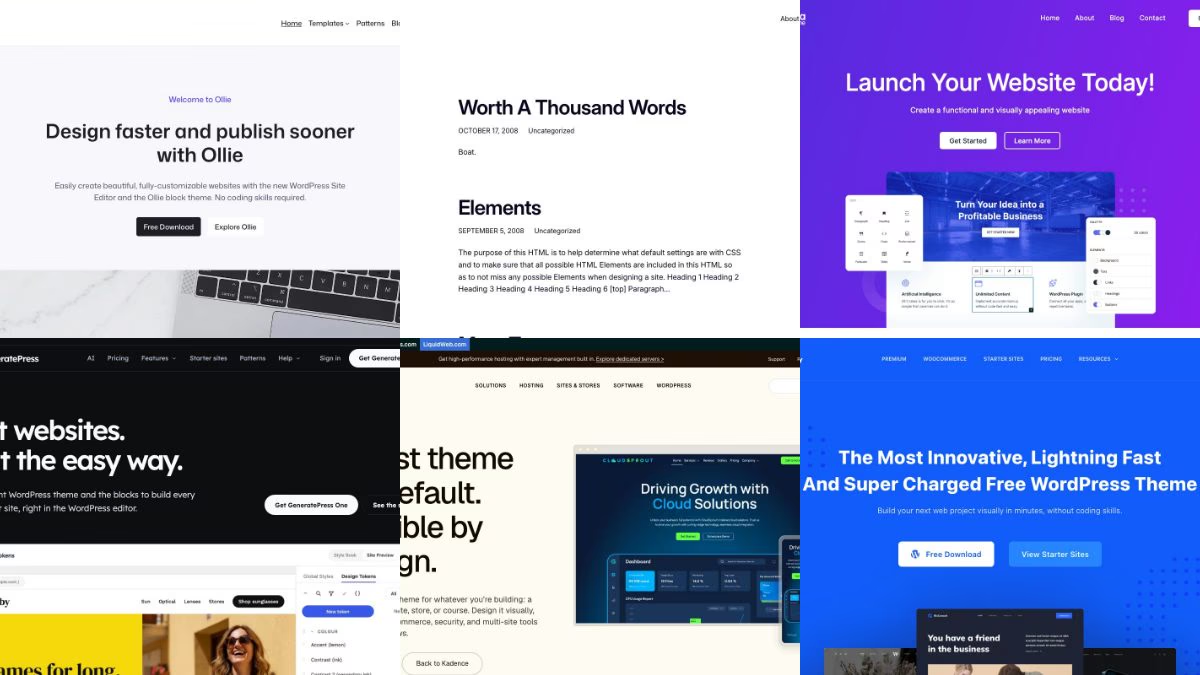
The best WordPress themes right now fall into two camps: block themes that you design in the Site Editor, and fast classic-style themes with their own customizer, header builder and starter-site library. Both work well. This guide picks ten free themes that are live, maintained and available in the WordPress.org directory, and explains who each one suits so you can choose in a few minutes.
If you want the short version: start with Twenty Twenty-Five, Ollie or Extendable if you like editing with blocks, Kadence, Blocksy or Astra if you want a header builder and ready-made demo sites, and GeneratePress if you care most about a tiny footprint.
How the picks were made
The old version of this list was a catalogue of premium multipurpose themes bundled with page-builder plugins and slider plugins. That model has largely faded. WordPress now ships a full visual editor for the whole site, so a good theme mostly needs to supply a design system (colours, type, spacing), solid templates and good patterns, and then get out of the way.
Every theme below meets these tests:
- It was updated within the last twelve months, checked against the WordPress.org directory data on 30 October 2026.
- It has an active listing in the WordPress.org theme directory, so you can install it from the dashboard and update it for free.
- Its official site was reachable and showing the theme when I captured the screenshots.
- The description of what it does comes from the developer’s own listing, not from a third-party review.
- It works with the block editor. Most of them also work with the page builders people still use.
Features change, so check the current listing before you commit. Where a theme has a paid tier, the free version is what is described here.
Block themes you design in the Site Editor
A block theme describes the whole site in templates and a theme.json file. You change headers, footers, colours and typography in the Site Editor instead of a separate customizer. If you are starting a new site and have no legacy plugins to support, this is the most future-proof route.
Twenty Twenty-Five
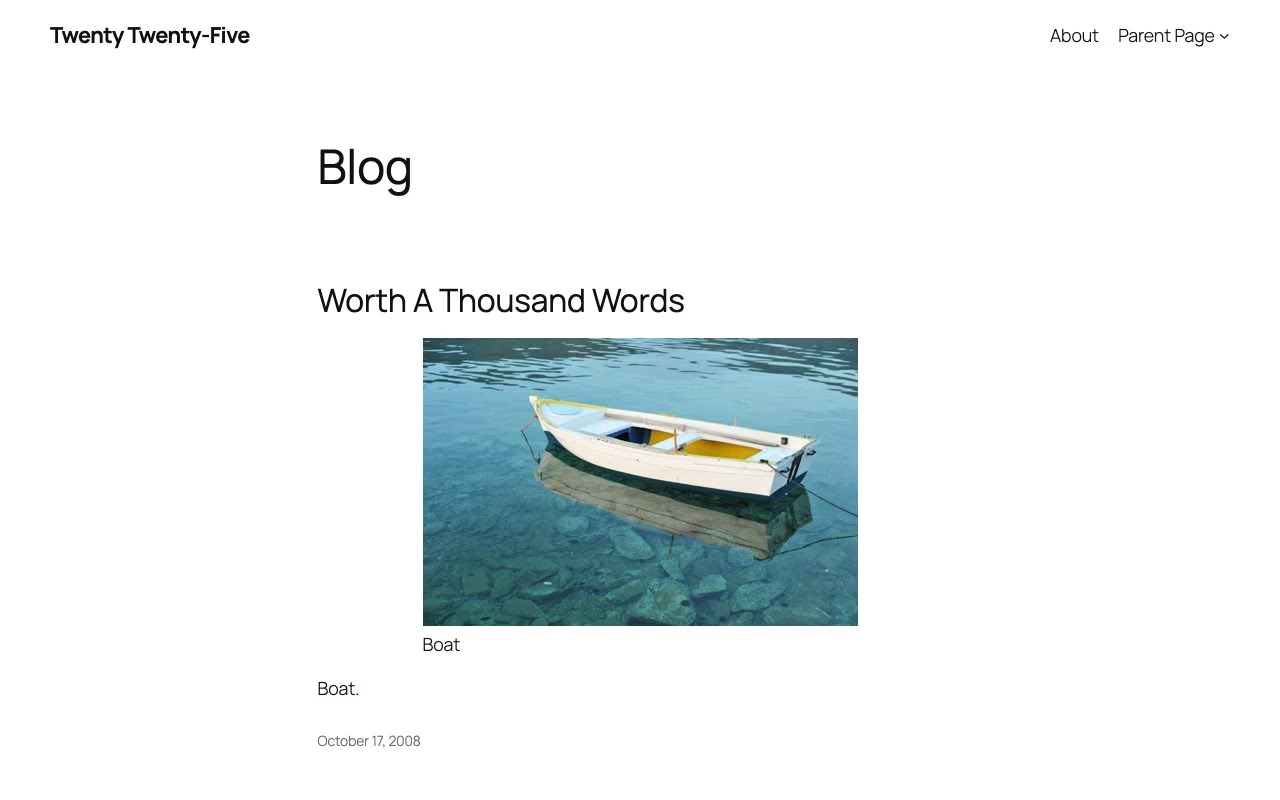
Twenty Twenty-Five arrived with WordPress 6.7 and is still the newest default theme bundled with core (WordPress 7.1 ships it). It is built around flexibility. Its listing highlights a library of patterns for different page types, such as services and landing pages, plus text-focused and image-heavy blog layouts, international typography and several colour palettes. It is the safest baseline: it is bundled with WordPress, was updated in May 2026 and shows how the current editor features are meant to be used. Choose it when you want a clean, dependable site with no extra layer between you and core.
Ollie
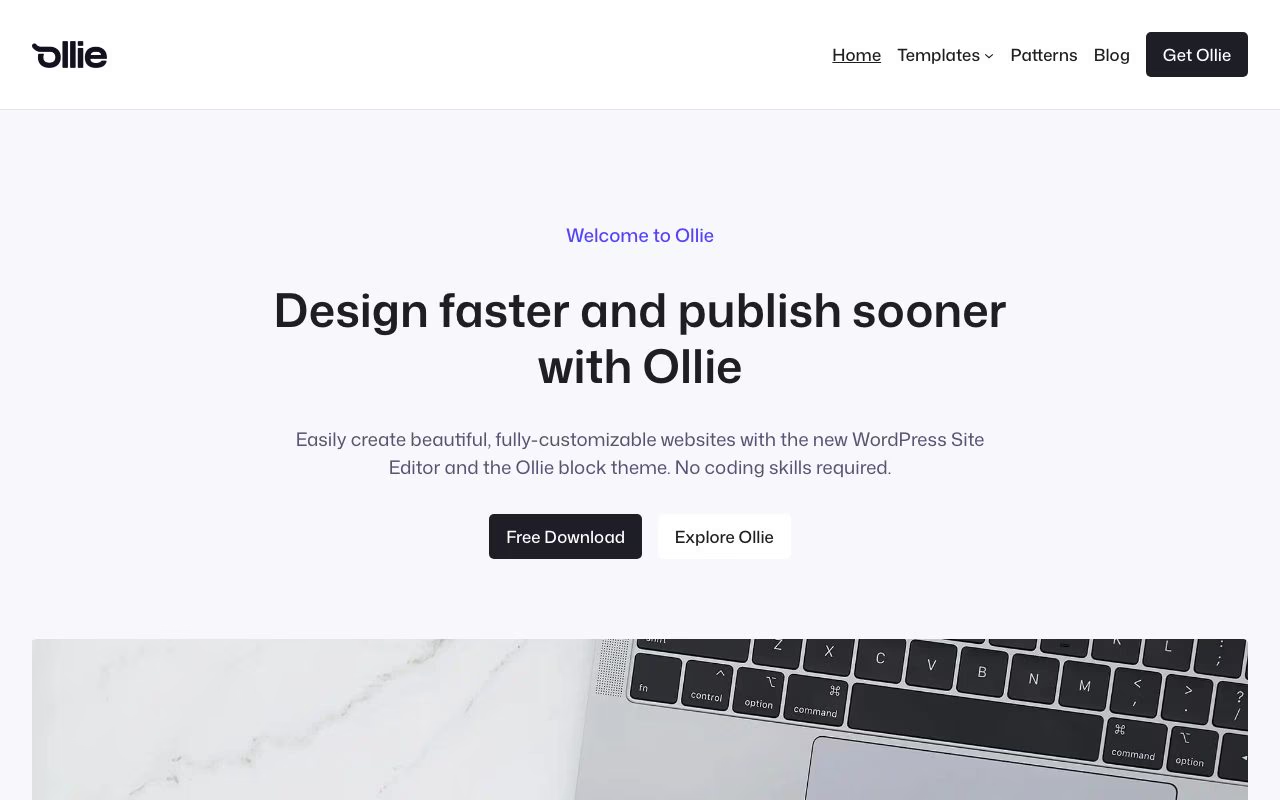
Ollie describes itself as a block theme that needs no page-builder plugin. The listing mentions more than 50 patterns, seven full-page pattern layouts and a design system you control through Global Styles. That makes it a good first block theme for designers: the demo site is polished enough to use as a starting point, and everything you adjust stays in the native editor.
Extendable
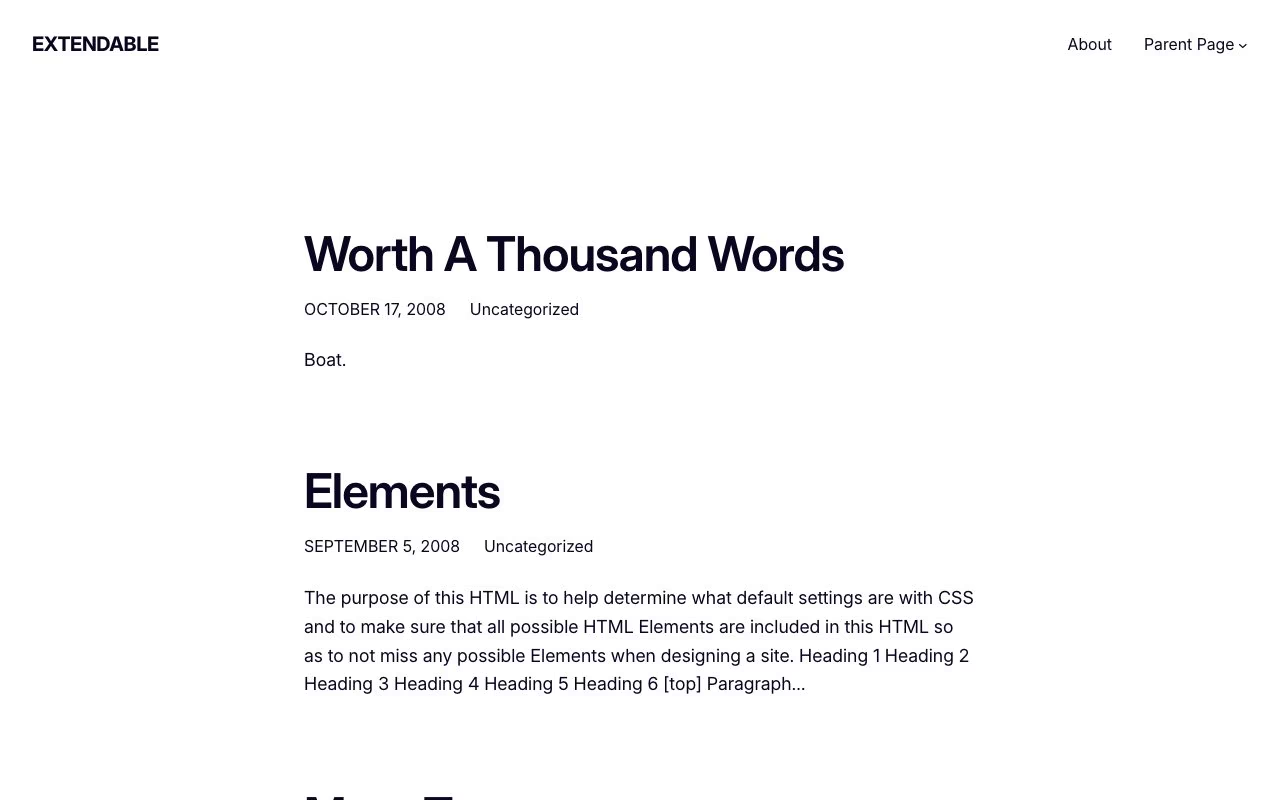
Extendable is the expressive pick. Its listing calls it a block theme built as a canvas for your next venture and highlights multiple style variations, so you can switch between fresh, bold, bohemian or minimal looks with one click in the Site Editor. It was updated in August 2026 and has 200k+ active installs, which makes it one of the most actively used free block themes outside core. The screenshot shows the official theme preview with sample content, so expect your own design to look more finished.
Extendable preview · WordPress.org
Spectra One
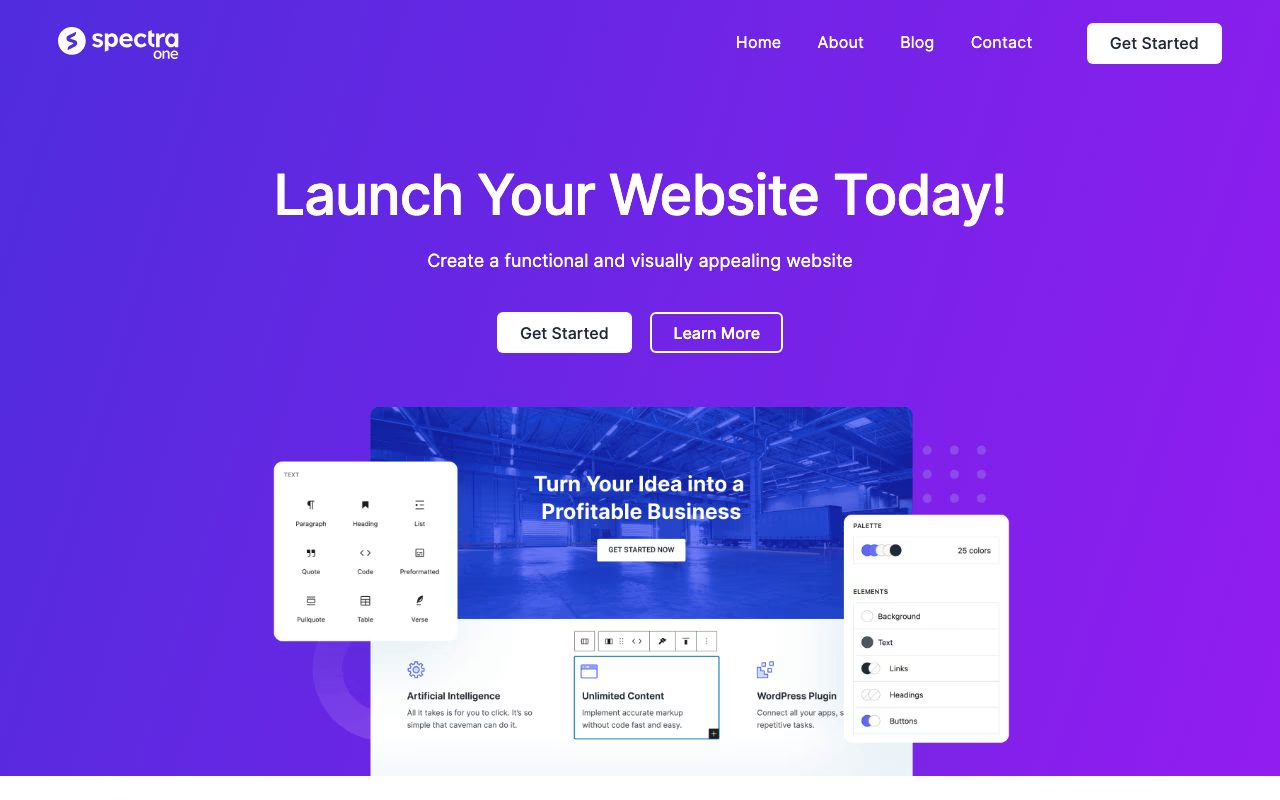
Spectra One is a full-site-editing theme from the Spectra and Astra team. Its listing describes a versatile block theme for blogs, portfolios and business sites. It was updated in August 2026 and has 7,000+ active installs, so it is smaller than the others here, but it is maintained and its demo shows a ready-made landing page you can rebuild in the editor. Choose it if you already use the Spectra block plugin.
Spectra One preview · WordPress.org
Fast themes with builders and starter sites
These themes grew up around the Customizer, with header and footer builders and large libraries of importable demo sites. They have all added block editor support, and they are the right call when you want a finished-looking site quickly or when a client already depends on a page builder.
Kadence
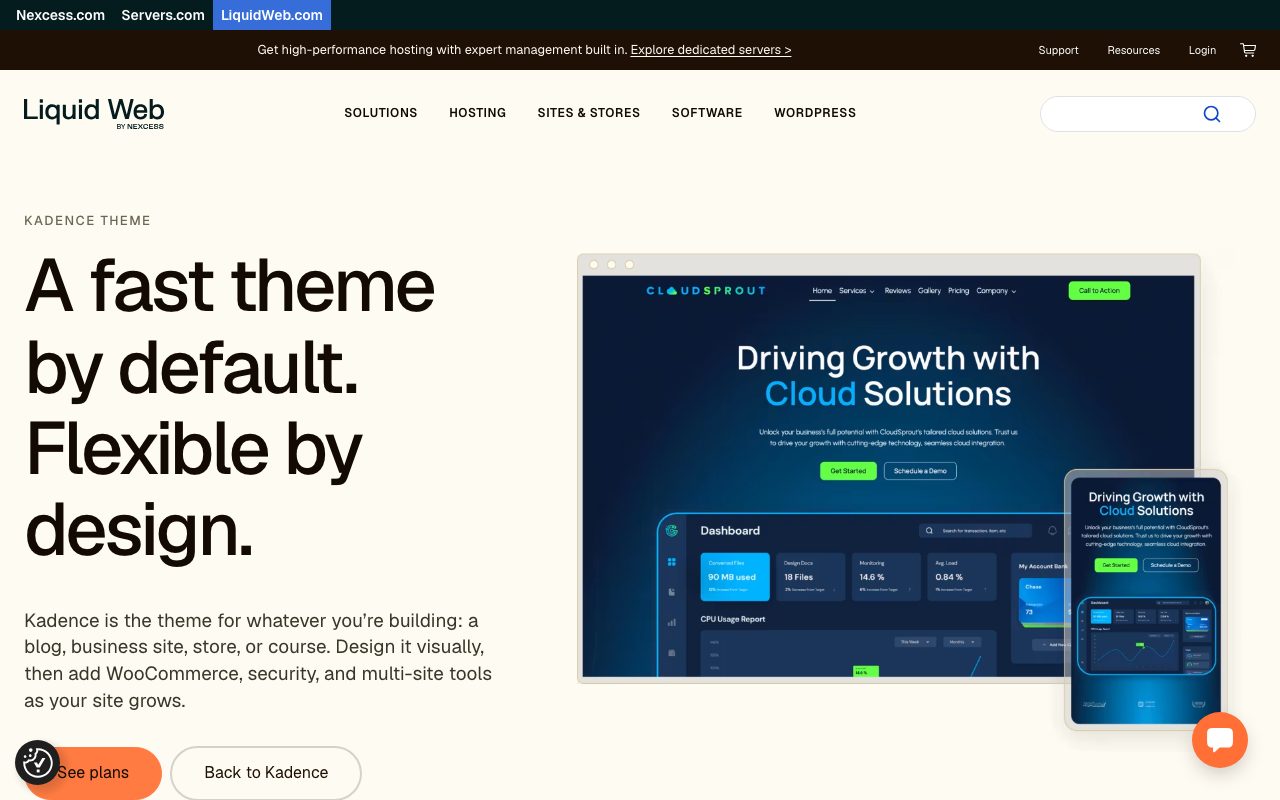
Kadence is described by its developers as a lightweight, full-featured and accessible theme with a drag-and-drop header and footer builder, plus starter templates controlled by global font and colour settings. It also integrates with popular plugins for stores and course sites. Kadence now sits under the Liquid Web umbrella, so its official pages are hosted there.
Blocksy
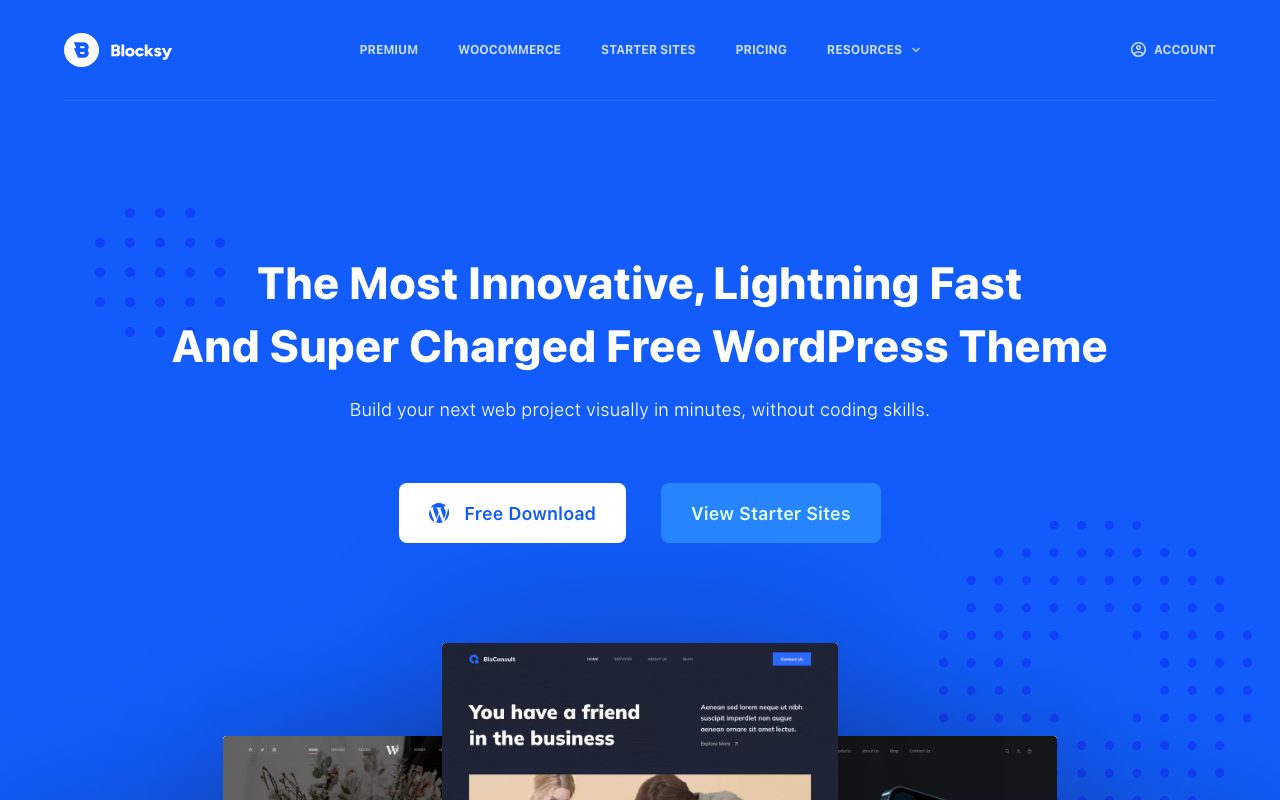
Blocksy is a fast, modern theme with advanced WooCommerce support and full compatibility with the block editor, according to its listing. It is a strong choice for a small shop where you want the product pages and cart to look considered without buying a separate store theme.
GeneratePress
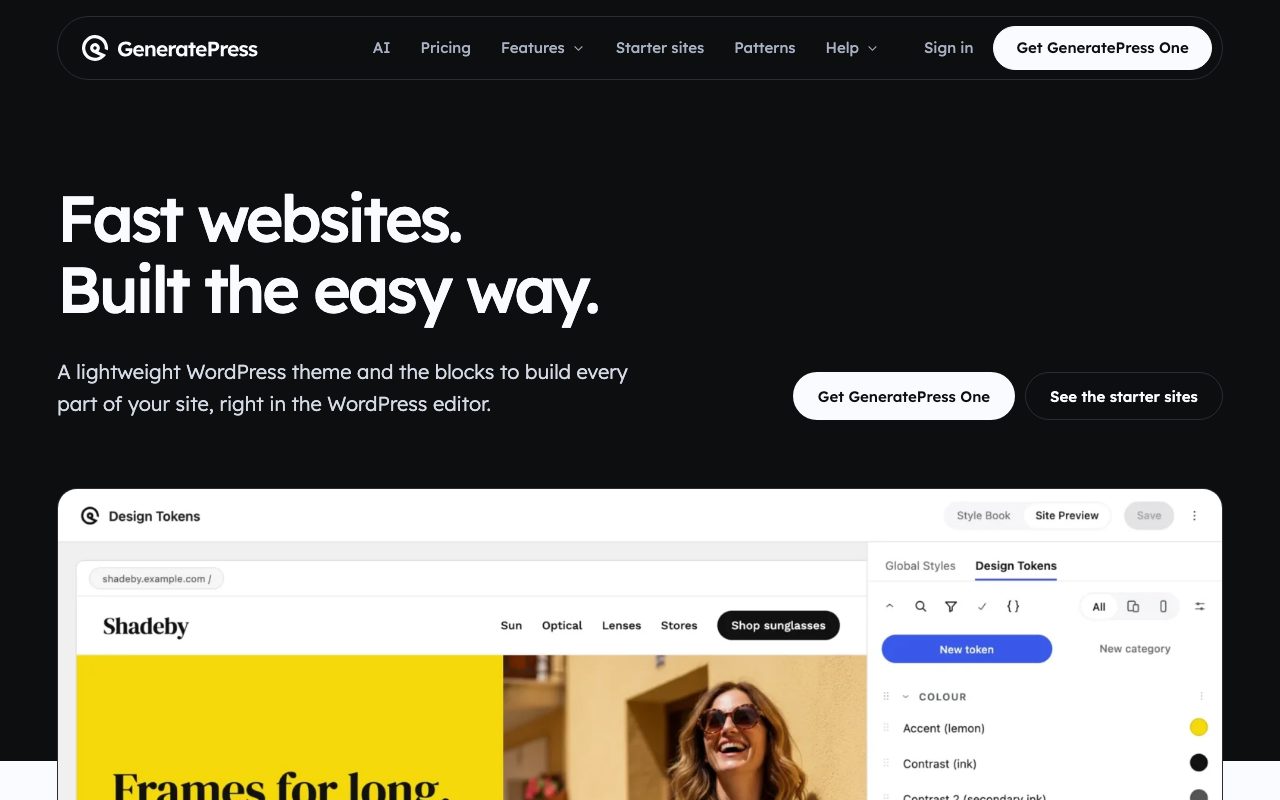
GeneratePress is the minimalist’s favourite. Its listing says a fresh install adds less than 10kb gzipped to your page size, and it lists more than 60 colour controls, five navigation locations and five sidebar layouts. It is fully compatible with major page builders. Pick it when performance is the headline requirement, or when you want a quiet base for heavy customisation.
Astra
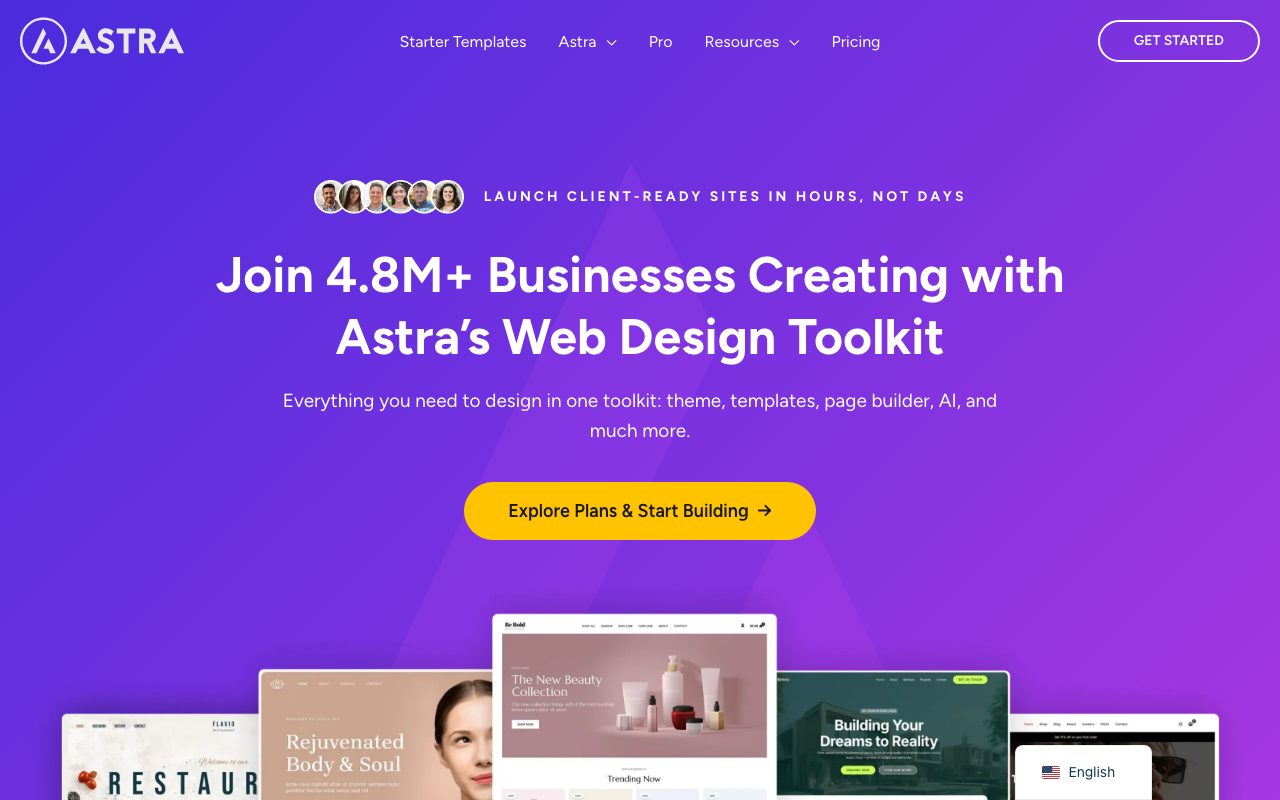
Astra is one of the few themes in the directory with 1M+ active installs. Its listing emphasises speed, clean code, built-in schema markup, WooCommerce and SureCart support, and compatibility with page builders including Spectra and Elementor. A large library of starter templates makes it easy to launch a business site fast, and support is available for free users too.
Neve
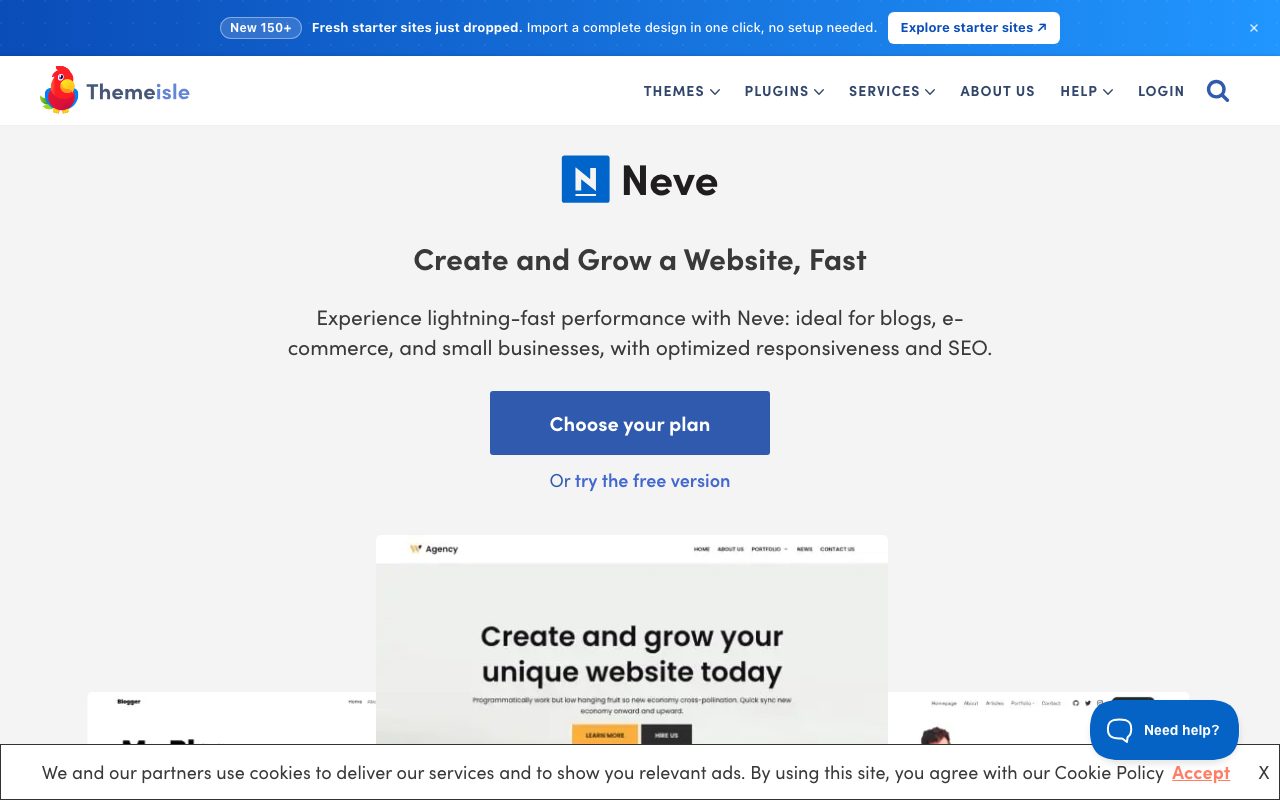
Neve is built around lightweight code and Core Web Vitals. Its listing says it works with the block editor, popular page builders and WooCommerce, and is suited to blogs, small business sites, agencies, portfolios and stores. It is a sensible pick when a client’s main worry is search visibility and page speed.
Hello Elementor
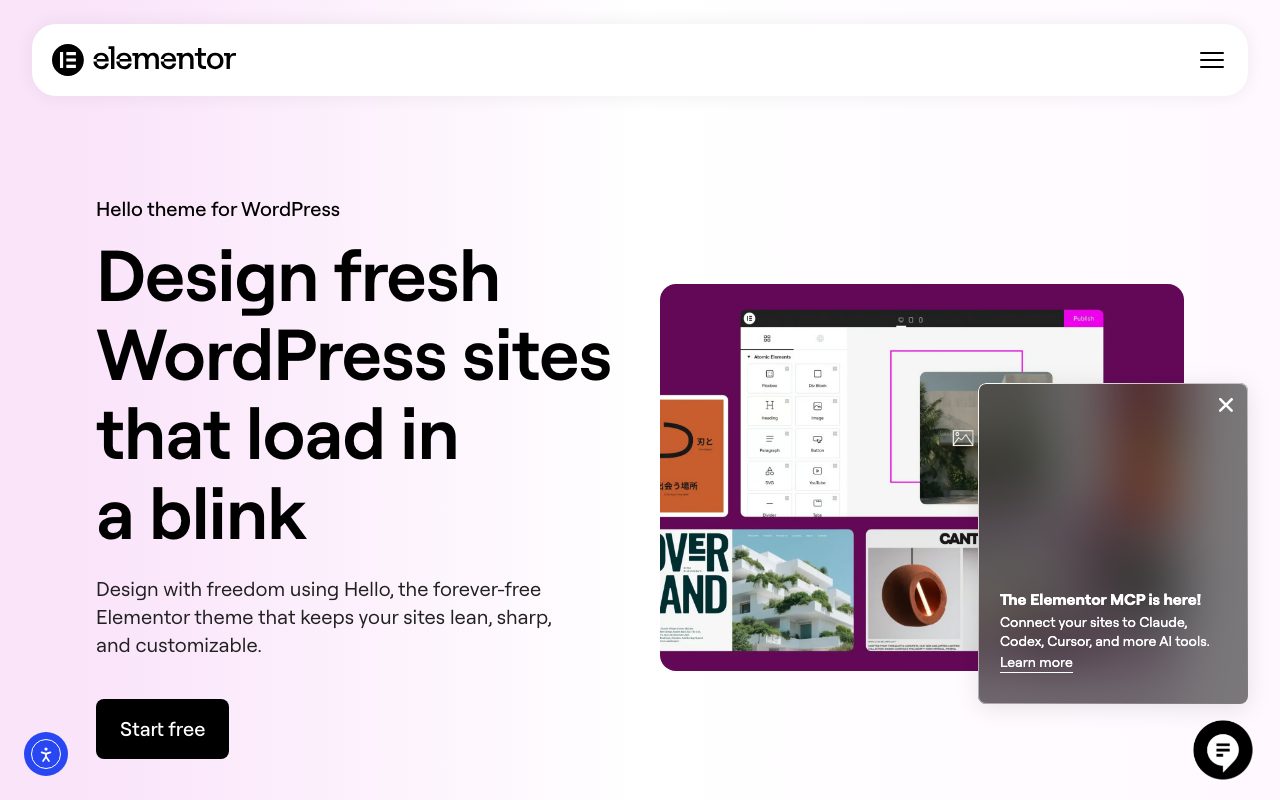
Hello is a deliberately bare theme made to pair with the Elementor site builder. It adds almost no design of its own: the page builder does the layout. If your team or client already works in Elementor, Hello gives you a lean foundation instead of a theme whose styles you must override.
Comparison at a glance
| Theme | Type | Installs, updated |
|---|---|---|
| Twenty Twenty-Five | Block | 1M+, May 2026 |
| Ollie | Block | 7,000+, Oct 2026 |
| Extendable | Block | 200k+, Aug 2026 |
| Spectra One | Block | 7,000+, Aug 2026 |
| Kadence | Builder | 500k+, Jul 2026 |
| Blocksy | Builder | 300k+, Oct 2026 |
| GeneratePress | Lightweight | 500k+, Dec 2025 |
| Astra | Builder | 1M+, Oct 2026 |
| Neve | Lightweight | 200k+, Oct 2026 |
| Hello Elementor | Bare | 1M+, Aug 2026 |
Install counts and update dates come from the WordPress.org theme directory data as of 30 October 2026.
How to choose a theme
- Decide how you want to edit. If you want one editor for everything, take a block theme. If you rely on a specific page builder, choose a theme that is documented to work with it.
- Test on your own content. Demo sites use perfect photos and short headlines. Paste in your longest title and a real image, and check the layout on a phone.
- Look at the update history. The theme page on WordPress.org shows the last update and the minimum WordPress and PHP versions. A theme that has not moved in more than a year is a risk, which is why two themes that were on an earlier draft of this list were dropped.
- Measure before you launch. Run the demo through PageSpeed Insights, and read our guide on speeding up a slow WordPress website if the numbers disappoint.
- Keep your content portable. Prefer themes that style standard blocks over ones that store layout in proprietary shortcodes. Switching themes later is far easier.
What a block theme looks like under the hood
If you are a designer curious about customisation, the heart of a block theme is theme.json. It declares the colour palette, font sizes and layout widths that the Site Editor then offers to everyone who edits the site. Version 3 of the format needs WordPress 6.6 or later (some handbook pages, including the colour guide, still demonstrate version 2, which also works). A minimal example:
{
  "$schema": "https://schemas.wp.org/trunk/theme.json",
  "version": 3,
  "settings": {
    "color": {
      "palette": [
        { "slug": "ink", "color": "#14213d", "name": "Ink" },
        { "slug": "paper", "color": "#fafaf7", "name": "Paper" },
        { "slug": "signal", "color": "#e63946", "name": "Signal" }
      ]
    },
    "layout": { "contentSize": "720px", "wideSize": "1200px" }
  },
  "styles": {
    "color": { "background": "var(--wp--preset--color--paper)", "text": "var(--wp--preset--color--ink)" }
  }
}
Every colour in that palette becomes a CSS custom property such as --wp--preset--color--signal, which is why block themes are easy to restyle without writing much CSS. To go further, read our walkthrough on building a custom WordPress theme and the complete WordPress theme guide.
Try themes safely before you commit
Never test a theme on a live site. Set up a local WordPress install, or use a staging copy from your host, install two or three candidates and load your real content into each. For starting points that are free and unbranded, our free base WordPress theme is a simple foundation, and the useful WordPress plugins list covers the extras most sites end up needing.
Frequently asked questions
Are free themes good enough for a professional site?
Yes. Every theme here is free in the WordPress.org directory, and the biggest have hundreds of thousands to over a million active installs. Paid tiers add extra layouts, header options or support, but the free versions are complete.
Should I still buy a premium multipurpose theme?
Rarely. Large multipurpose themes that bundle page builders and slider plugins tend to be heavier and make later migration harder. A lean theme plus the native editor covers most projects.
Can I change themes later without losing content?
Posts, pages and media stay. Layouts built with a theme’s own shortcodes or builder modules may not. Sticking to core blocks keeps a switch painless.


Amazing list of WordPress themes…
Really helpful.
I want to add one more Real construction based WordPress theme named RealConstruction. This theme includes several features such as fully widgetized home page, integration with unique animations and sliders.
“Best” for what, exactly? There won’t be 30 themes best for your own site, though there might well be 30 themes that would be good enough for your own site. It’s a little more useful to see “best for portfolios” or “best for business” or “best for blogging” or “best for news” or “best for e-commerce”. If your theme (or your website) is trying to do all of that at once, it’s probably not focused enough and might be suffering from performance-destroying bloat. And then there’s the problem that you can’t check the code of a ThemeForest theme without buying it first…and most of their customers wouldn’t know how. Plus there’s a huge security issue with any theme that has plugins bundled into it. Visual Composer is “Best for people who never want to be able to move their content anywhere else ever.”
Hi Sallie,
These were compiled based on the statement in the intro “which embody critical elements like usability, performance, consistency and, of course, beautiful design.” and are themes released in 2016 which have a high user rating and high sales point in their respective marketplaces to determine a consensus – anything else would be pretty subjective.
I recently bought The Gem Theme and it is the best theme I have used as far as creativity, support and design since I have been using WP for the last 4 years. I bought a second after completing my first project with it. The developer added his own custom visual composer elements. The WordPress themes started looking the same and I found this one to be somewhat ahead of the curve. The demo comes with loads of slider revolution pre built sliders that are awesome. I normally do not use demo content and with this theme I did.
Neither of these were released in 2016 :)
Thank you for the recommendation :) We had to go with rankings and other factors, not our own opinions, so there may be some themes that look better, but for whatever reason it did not make the list – this one was released very recently so doesn’t look like it has had enough time to generate enough ratings or reviews etc.
The themes listed above are extraordinary and good..keep posting in this blog..
Great article to end the 2016. The best theme for me this year is “Fevr”, because of it is simplicity but certainly a chic one. We make website also, I have tried some of those already.
Hi,
I am too looking for the best WordPress themes but particularly related for blogging niche. I have gone through the traditional blogging themes so far but not yet ended in choosing one. Your suggestion will be appreciated in that.
Thanks.
Cherly,
The best and most popular examples of WordPress blog themes you can find here.