CSS3 Media Queries 128

CSS3 Media Queries

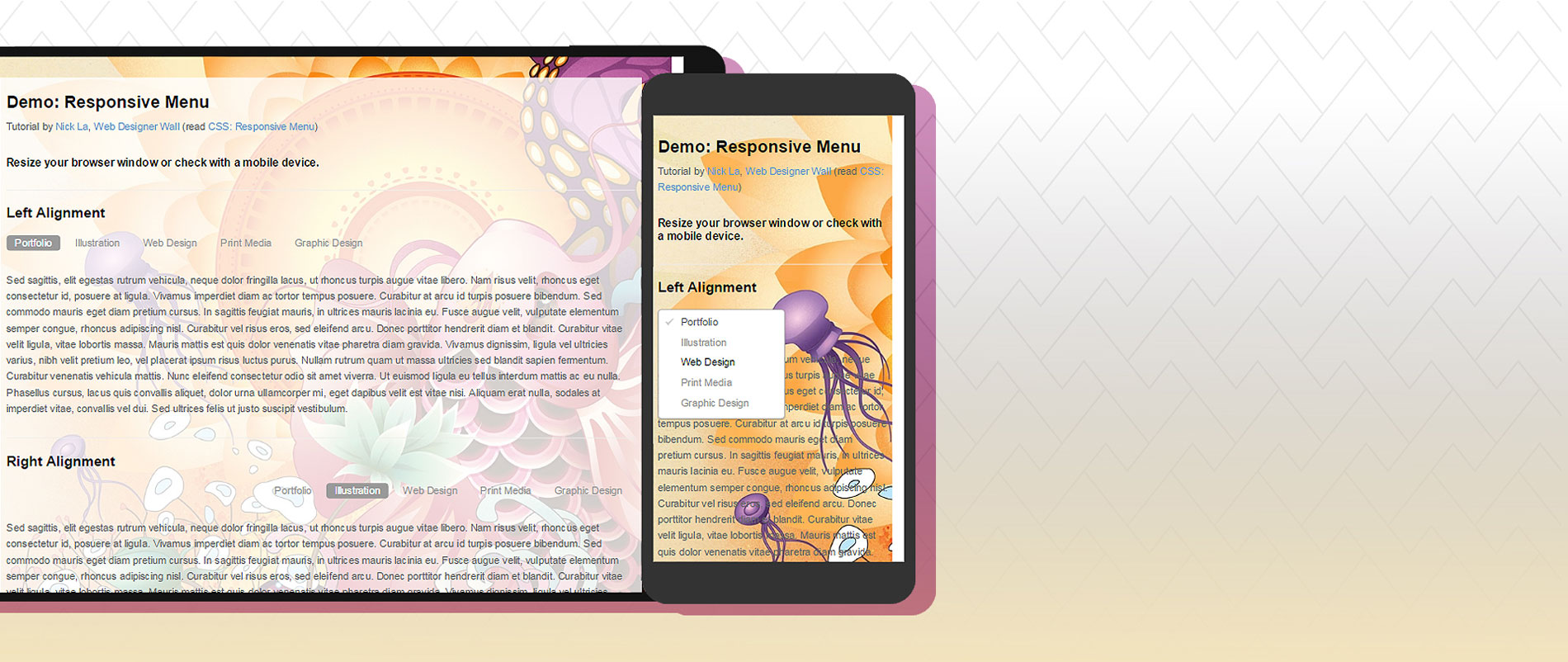
CSS2 allows you to specify stylesheet for specific media type such as screen or print. Now CSS3 makes it even more efficient by adding media queries. You can add expressions to media type to check for certain conditions and apply different stylesheets. For example, you can have one stylesheet for large displays and a different stylesheet specifically for mobile devices. It is quite powerful because it allows you to tailor to different resolutions and devices without changing the content. Continue on this post to read the tutorial and see some websites that make good use of media queries.

Beautiful CSS3 Search Form 214

Beautiful CSS3 Search Form

Lately I've been playing around with CSS3 and discovered some new CSS tricks. Did you know you can make a round circle with border-radius and create inner shadow effect with box-shadow inset? Check out this beautiful search form demo that I've created with CSS gradient, border-radius, and box-shadow. It displays perfect in CSS3 browsers and degrades gracefully in non-CSS3 browsers.

View Demo Search Form

CSS3 Gradient Buttons 340

CSS3 Gradient Buttons

Last week I talked about Cross-Browser CSS Gradient. Today I'm going to show you how to put the CSS gradient feature in a good practical use. Check out my demo to see a set of gradient buttons that I have created with just CSS (no image or Javascript). The buttons are scalable based on the font-size. The button size can be easily adjusted by changing the padding and font-size values. The best part about this method is it can be applied to any HTML element such as div, span, p, a, button, input, etc.

Cross-Browser CSS Gradient 263

Cross-Browser CSS Gradient

The CSS gradient feature was introduced by Webkit for about two years but was rarely used due to incompatibility with most browers. But now with the Firefox 3.6+, which supports gradient, we can style create gradient without having to create an image. This post will show you how to code for the CSS gradient to be supported by the major browsers: IE, Firefox 3.6+, Safari, and Chrome. Also, check out my updated dropdown menu (demo) using CSS gradient.

Word-Wrap: Force Text to Wrap 145

Word-Wrap: Force Text to Wrap

Today I'm going to talk about a rarely used but extremely useful CSS property, the word-wrap. You can force long (unbroken) text to wrap in a new line by specifying break-word with the word-wrap property. For example, you can use it to prevent text extending out the box and breaking the layout. This commonly happens when you have a long URL in the sidebar or comment list. Word-wrap is supported in IE 5.5+, Firefox 3.5+, and WebKit browsers such as Chrome and Safari.

The Basics of CSS3 194

The Basics of CSS3

Last week I posted a CSS3 dropdown menu and someone complained that I didn't explain the CSS code in detail. Well, here is a post on the basics of the new properties: text-shadow, box-shadow, and border-radius. These CSS3 properties are commonly used to enhance layout and good to know.