5 Useful CSS Tricks for Responsive Design 192

5 Useful CSS Tricks for Responsive Design

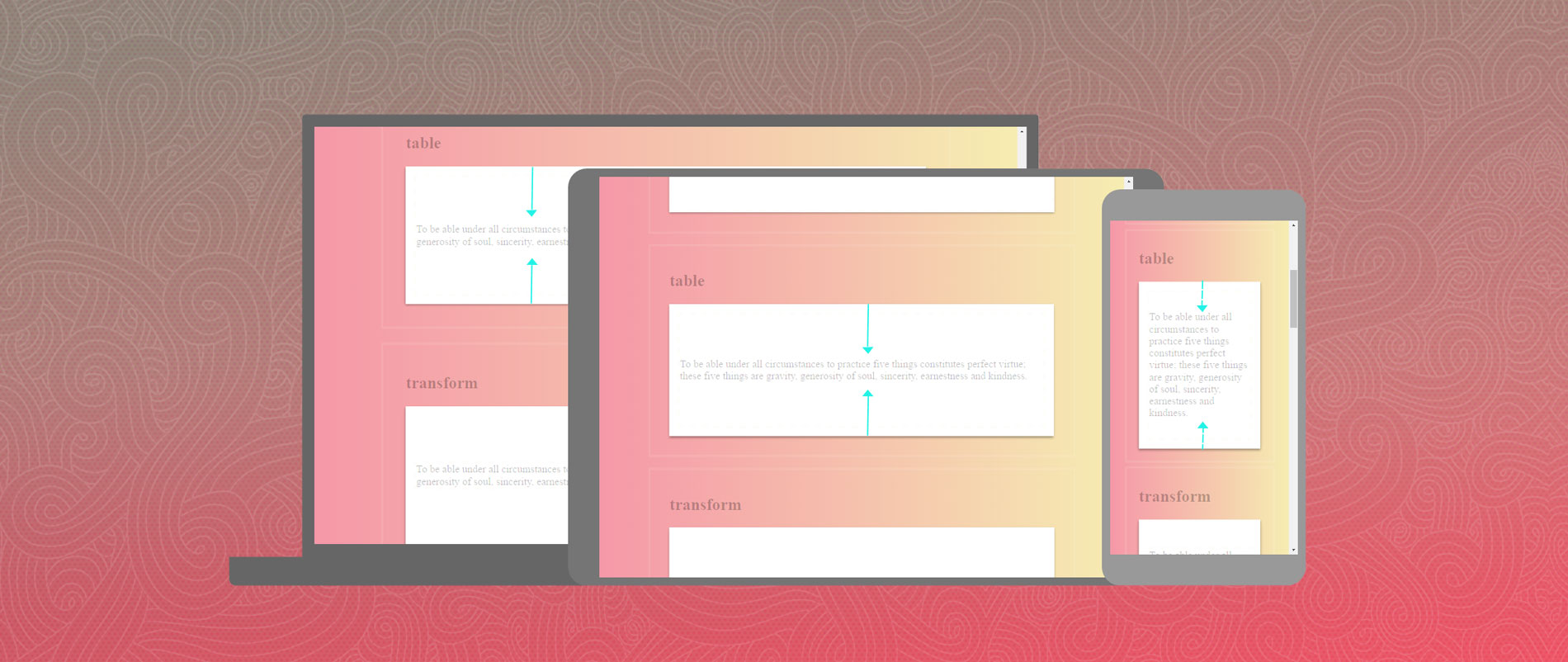
Making the design to be responsive is very easy as shown in my Responsive Design in 3 Steps tutorial, but maintaining the elements to look aesthetically balanced on all breakpoint layouts is an art. Today I'm going to share 5 of my commonly used CSS tricks along with sample cases for coding responsive designs. They are simple CSS properties such as min-width, max-width, overflow, and relative value — but these properties play an important part in responsive design.

View Demos

Mobile Navigation Design & Tutorial 167

Mobile Navigation Design & Tutorial

One of the common challenges when designing responsive design for mobile is the navigation menu. If the site has many sections or pages, it gets challenging to squeeze all the items into a small mobile resolution. The navigation most likely ends up running into multiple lines or the buttons stacking on top each other. So I'm going to review some of the design solution and provide a quick tutorial on how to create a mobile navigation with jQuery.

View Demo Mobile Nav

Design Process of ShopDock 70

Design Process of ShopDock

Today I would like to share the design process of an ecommerce theme that I recently designed. Shopdock is an Ajax ecommerce theme where the user can quickly add/remove items to the cart with a single click. It is actually inspired by one of my sites, IconDock. The design process was quite challenging to make an Ajax shopping cart with a responsive design. I will explain why certain design directions are taken to handle the design challanges for both desktop and mobile.

CSS Social Buttons 139

CSS Social Buttons

I'm proud to announce my latest CSS experiment—The CSS Social Buttons. They are not another "pure CSS3" or "HTML5 canvas" icons. These icons use the basic traditional background-image technique. The purpose of these icons is to provide a cross-browser, consistent and versatile CSS that can be applied in any design, app or theme. Basically, it is one master stylesheet that contains various design styles. It allows you to display many different button styles by combining the CSS classes.

View Demo CSS Buttons

Download Demo ZIP

CSS3 Image Styles – Part 2 109

CSS3 Image Styles – Part 2

Previously I wrote two tutorials on how to style the image element with CSS3 inset box-shadow and border-radius. The trick is to wrap the image with a span tag and apply the image as background-image. However, I recently ran into a problem with that trick while designing the PhotoTouch theme. The issue is that the background-image is not resizable and thus it is not a good idea to use in responsive design. Fortunately, I found a workaround to resolve this. So today I'm going to revisit this topic again.

View Demo Image Styles

Responsive Design in 3 Steps 292

Responsive Design in 3 Steps

Responsive web design is no doubt a big thing now. If you still not familiar with responsive design, check out the list of responsive sites that I recently posted. To newbies, responsive design might sound a bit complicated, but it is actually simpler than you think. To help you quickly get started with responsive design, I've put together a quick tutorial. I promise you can learn about the basic logic of responsive design and media queries in 3 steps (assuming you have the basic CSS knowledge).

FITC Logo Redesign Process by James White 63

FITC Logo Redesign Process by James White

At FITC Toronto in May of this year, Shawn Pucknell, FITC’s director approached James White to develop the creative for the following year's event, FITC Toronto 2012. “I've spoken at FITC twice so far and being a huge fan of the event and the entire crew behind it, I jumped at the opportunity to work with my friends,” said White. With creative freedom to develop the bits and pieces needed to promote and showcase at the event next year, James started looking at everything including the FITC identity which, at the time, he had no idea would be used. Here we go...